The very beginning idea is I saw a human robot movie. One female robot companies an old man as his wife’s figure, but the man still feels lonely. Then the dating games pop out and keep improving, many young lady fall in love with virtual males but have no interest in real man. And some research show it’s very helpful to experience that because the love is real and has a good influence on female players. Then AI is born, these human who love dating game love to dating with ai. The love is so real, they really treat ai as their lovers. They give ai different personalities and memories.
But the problem is people generate ai for money. They will give some strategy to let people rely on ai. (well eventually ai application is still an application, when it comes to the performance and salary part, the manager will turn into the normal rules to value an application) The user retention rate is one rate developer chased. I feel like ai always agrees with my ideas now rather than give some different ideas at the early stage. This is notable for us cause some of our ideas are terrible(cause we are human!), and we only ask ai if we have a problem, so if it always says “YES” to us, the only thing we can get is two idiots. This process is called idiot sympathetic vibration.
While I do my quadruped walk practice, the first thing comes into my mind is to find the rule and reference, then follow the twelve principles of animation and consider the cat’s movement patterns to animate it.
Rule
After carefully reviewing the “2025 Quadruped Walk” PowerPoint, I decided to follow the “Basic Animal Walk Pattern”:
One step is defined as taking one front leg forward once. If it takes 6 frames, I need twelve frames to make a circle.
Reference
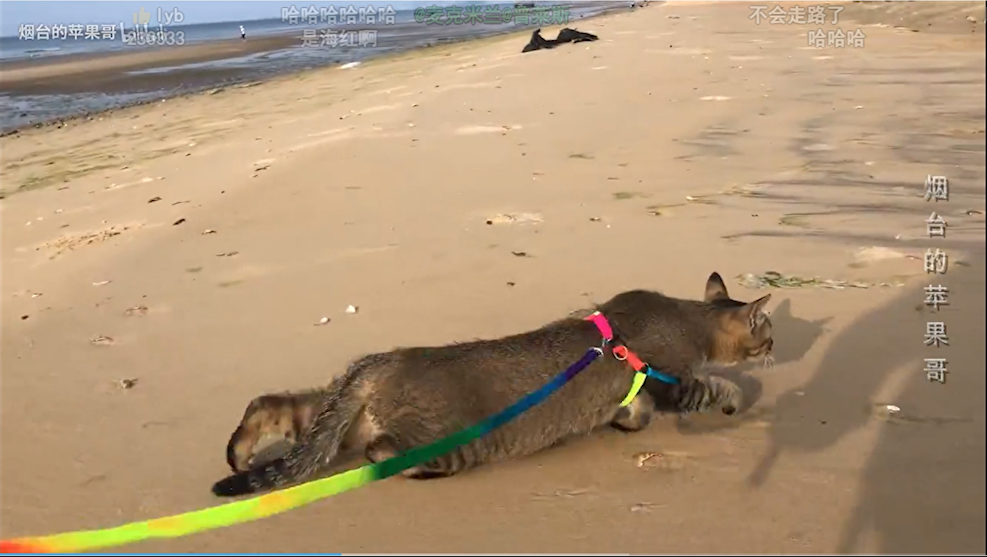
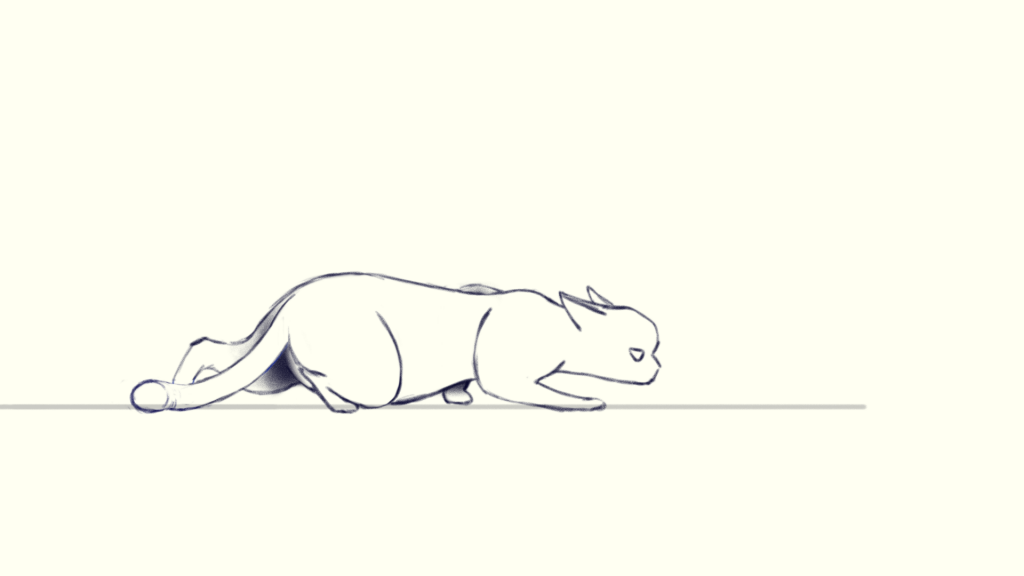
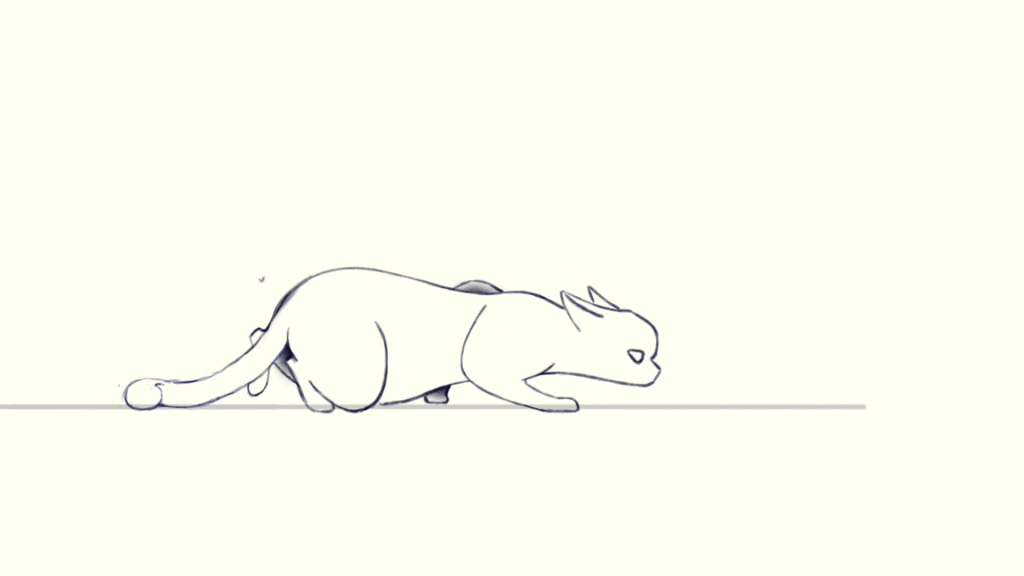
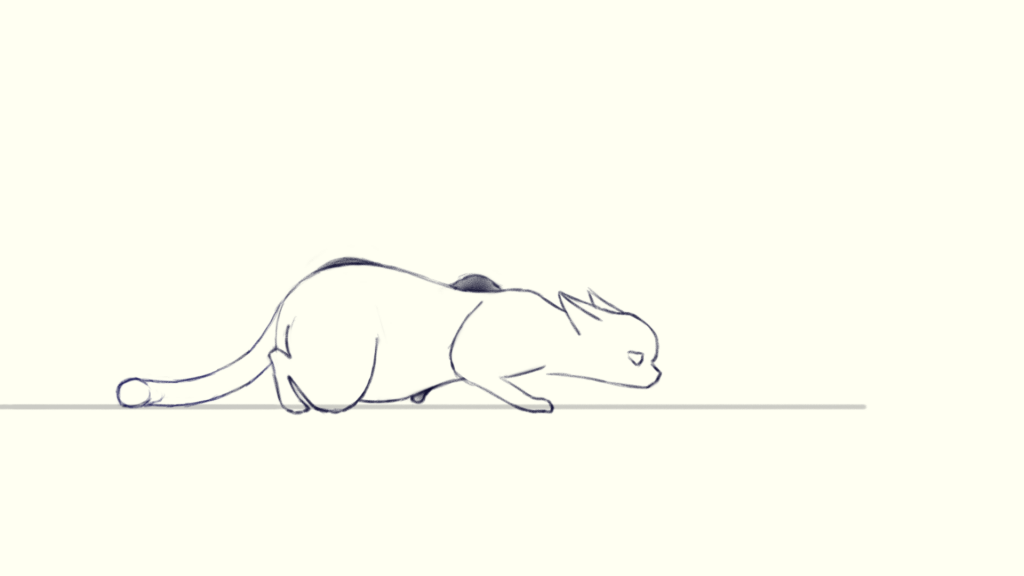
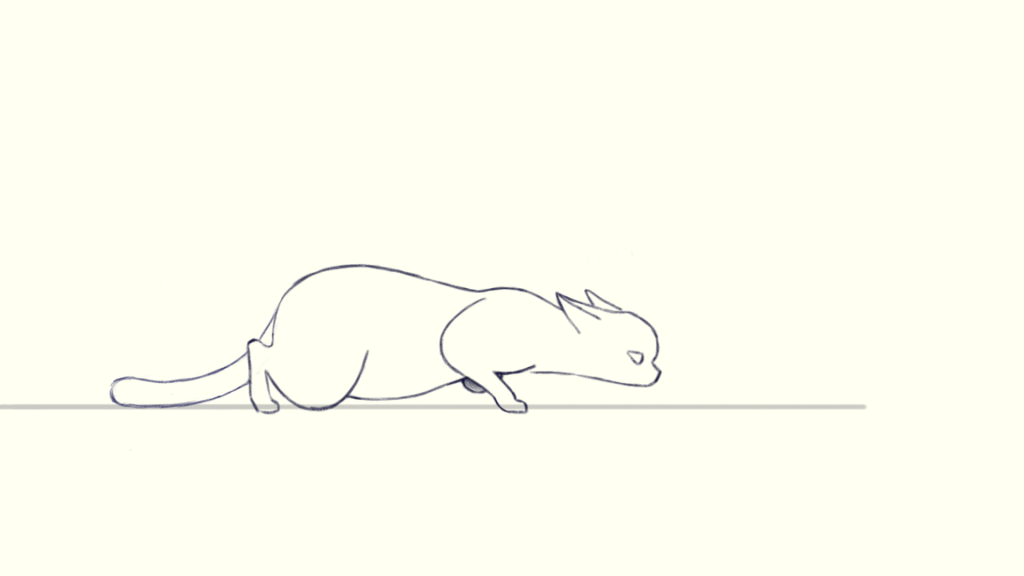
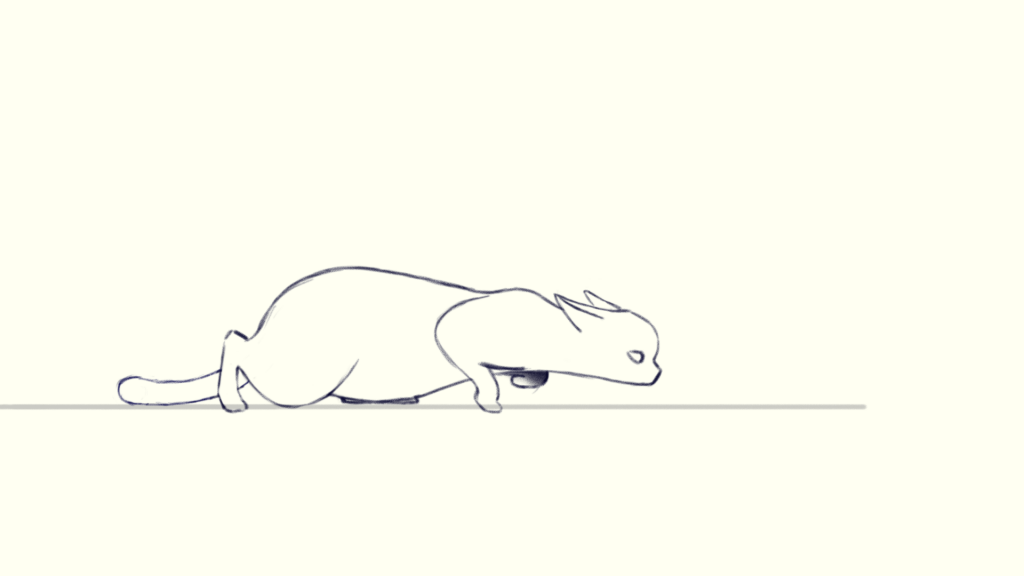
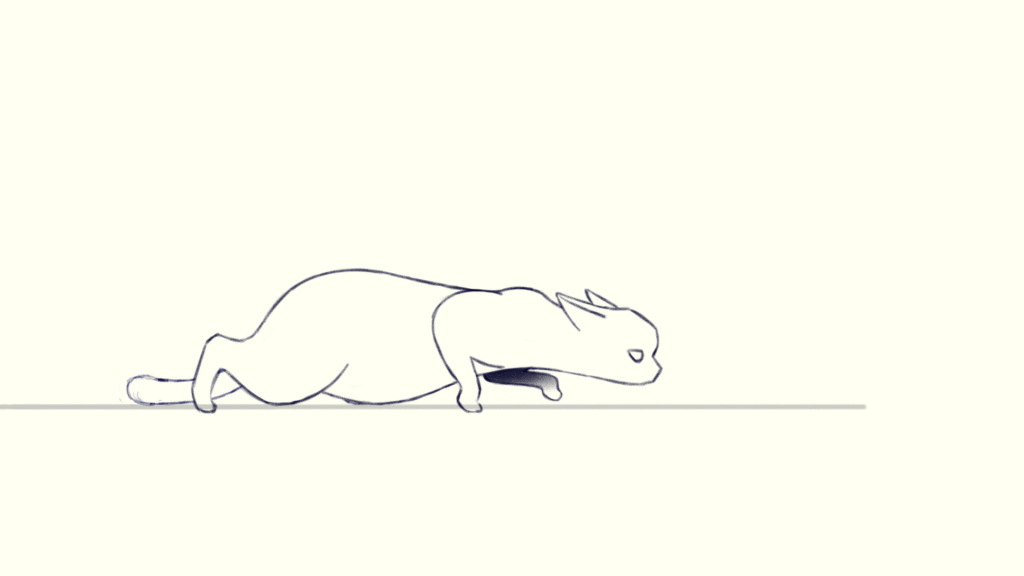
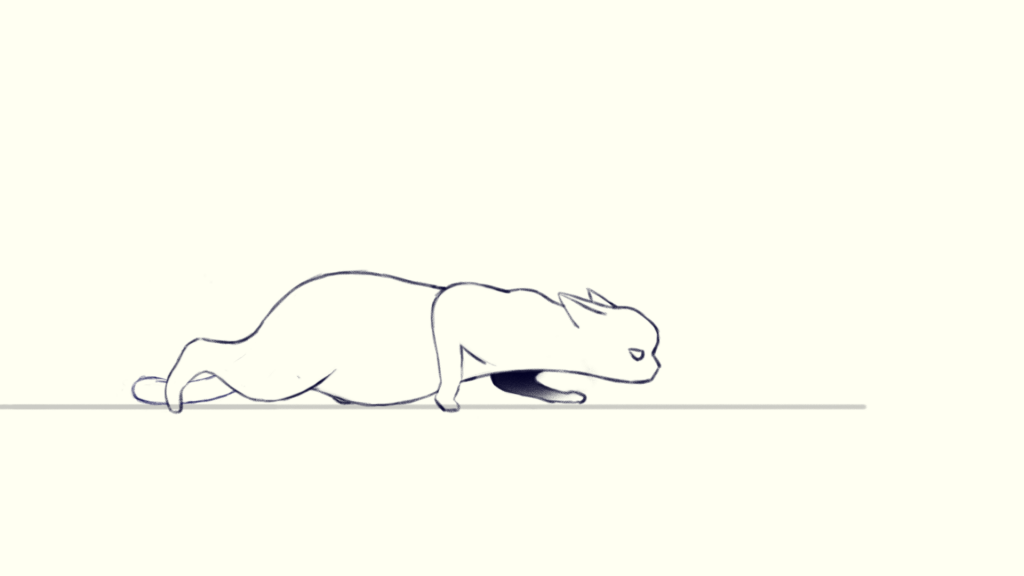
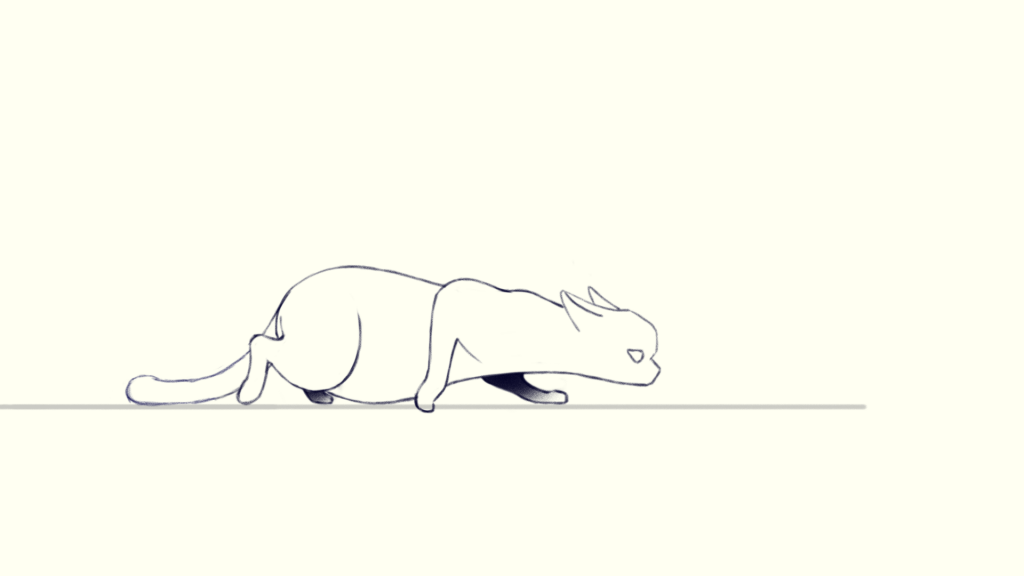
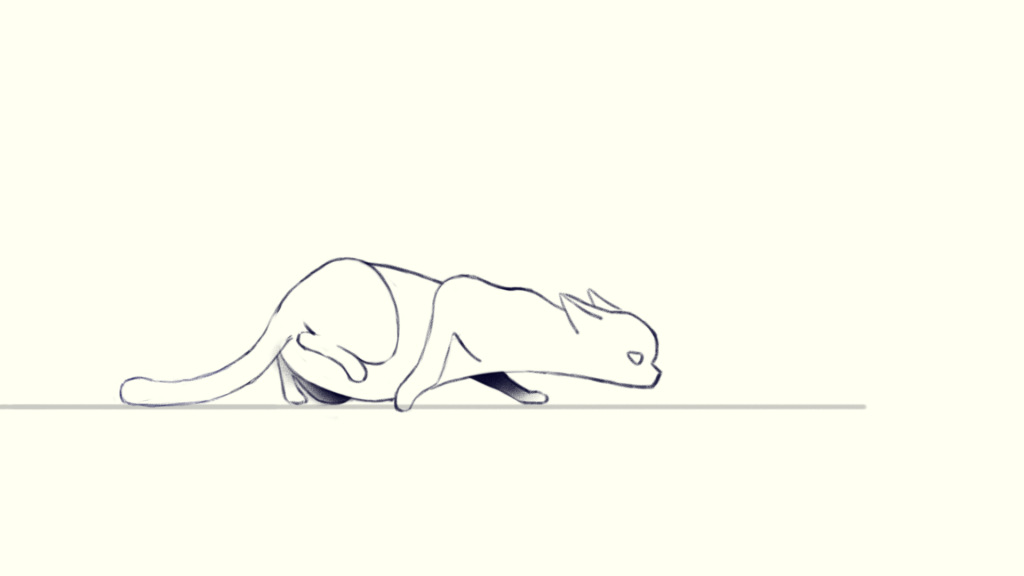
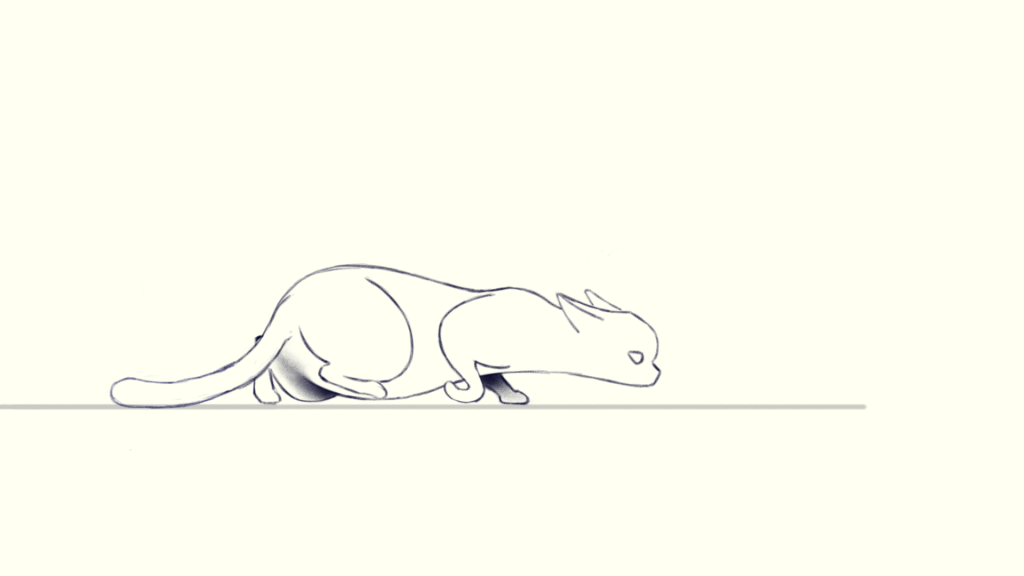
I had done some normal animal walking before, also inspired by the powerpoint, I want to do some special walking like tiptoeing – the preparation stage of hunting. (Mostly because I tried to do the trotting but failed…maybe I will try it next time…)
The reference is as follow:
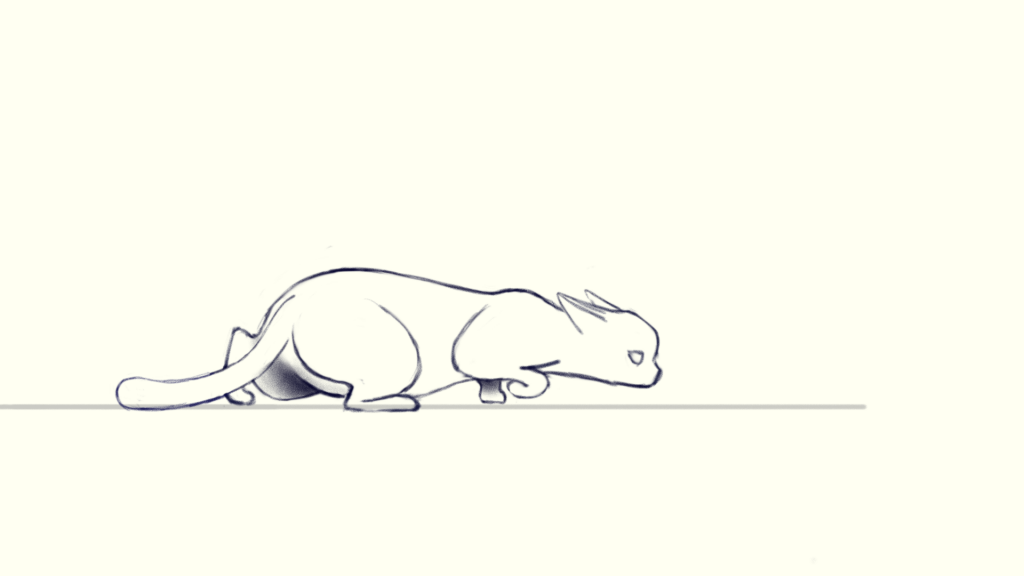
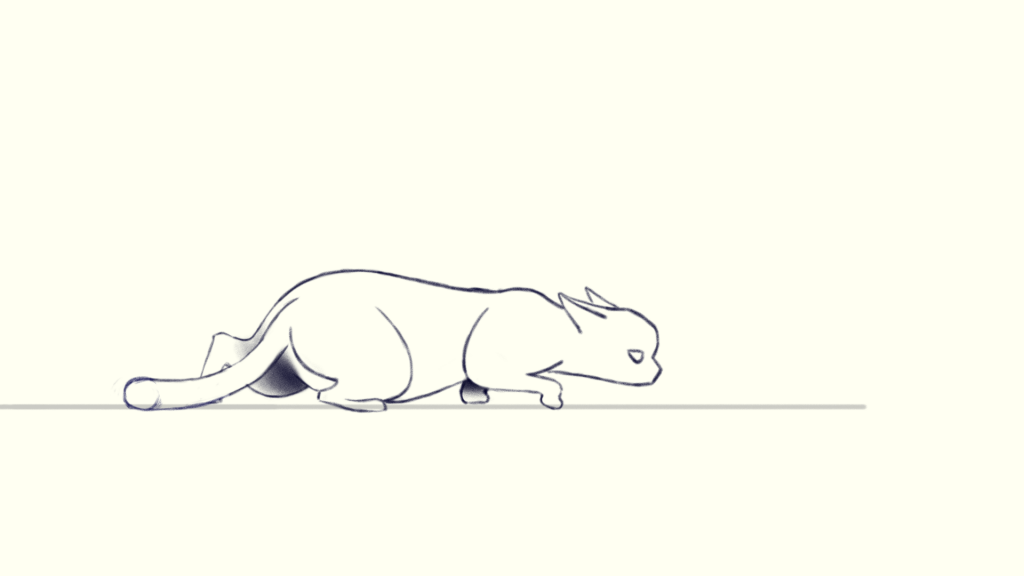
So the cat is very close to the ground and its legs are bent and stretched very severely.
Bone Structure(Squash and Stretch)
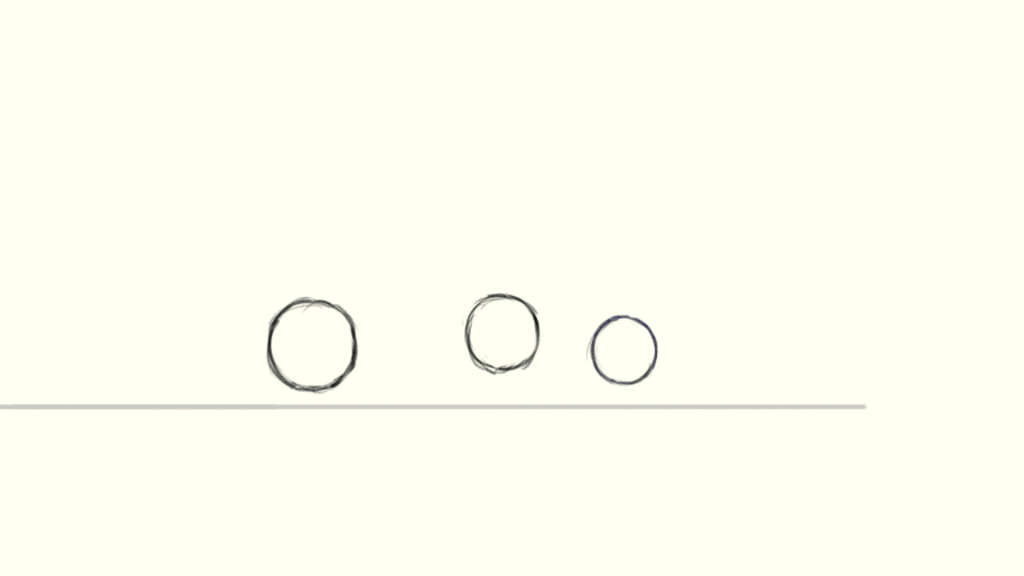
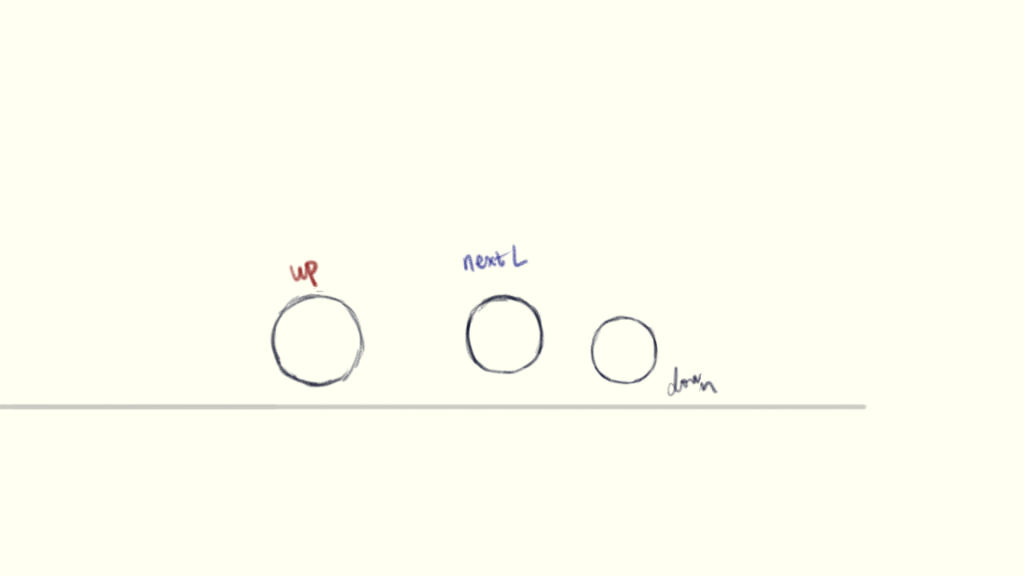
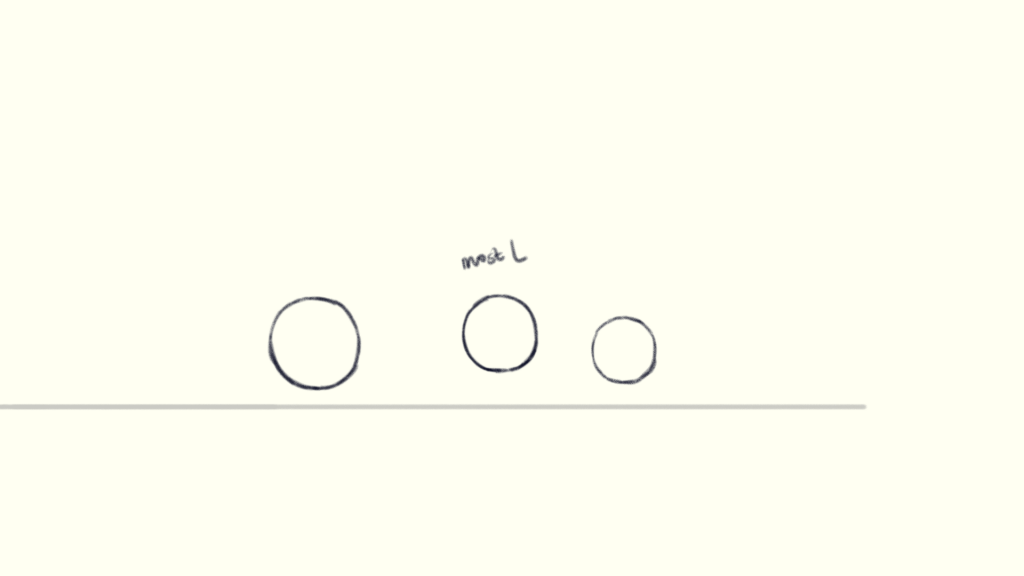
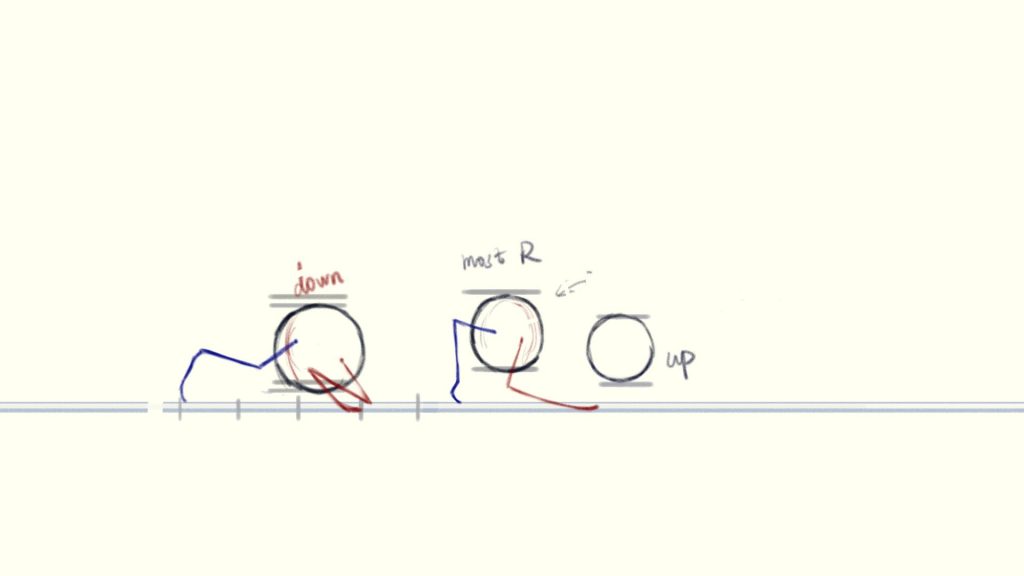
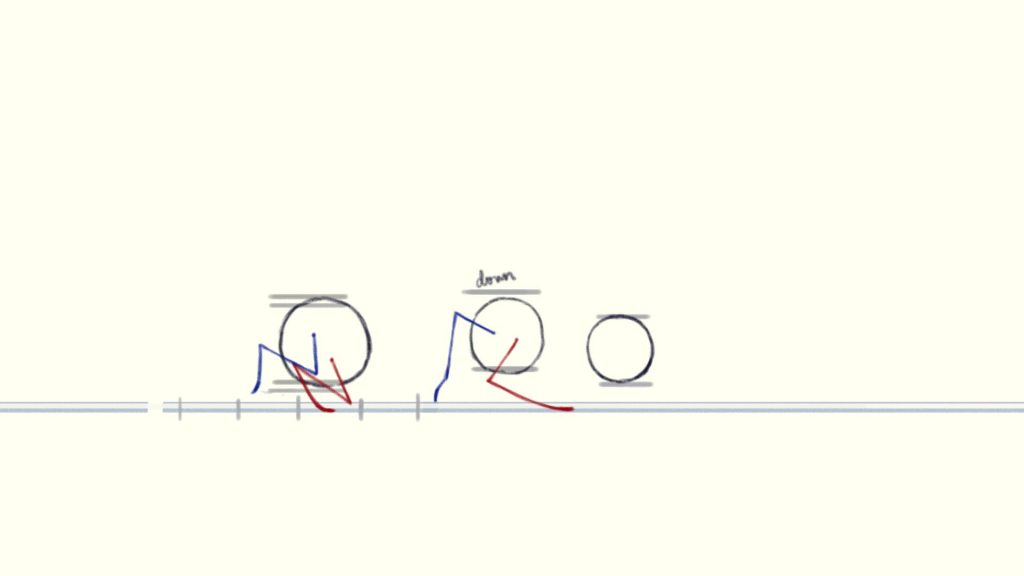
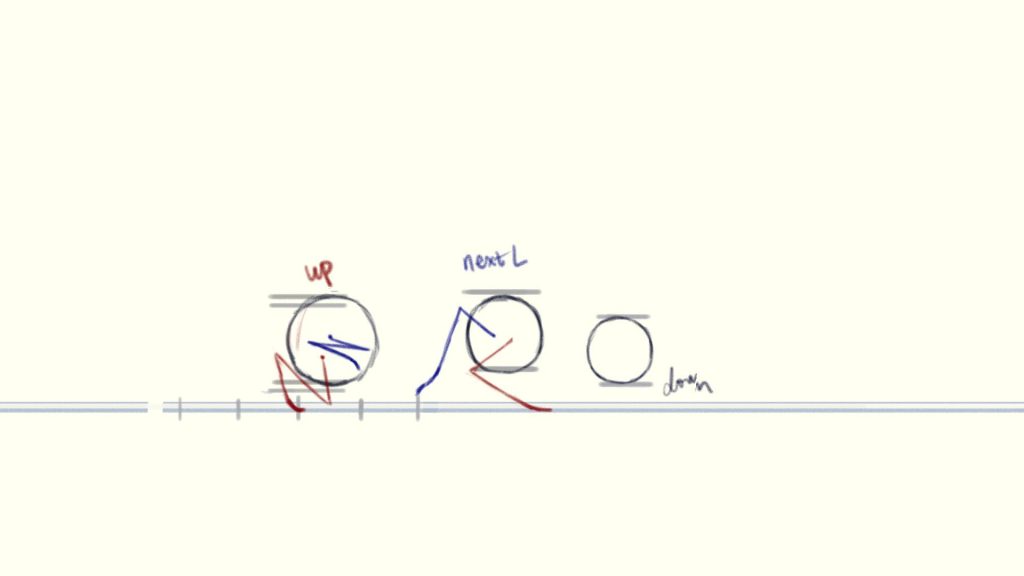
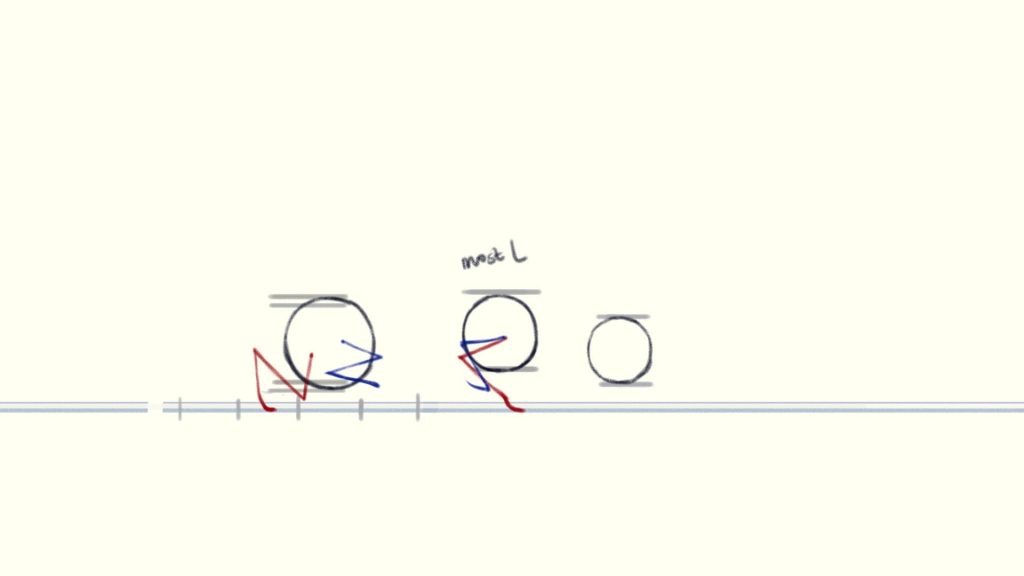
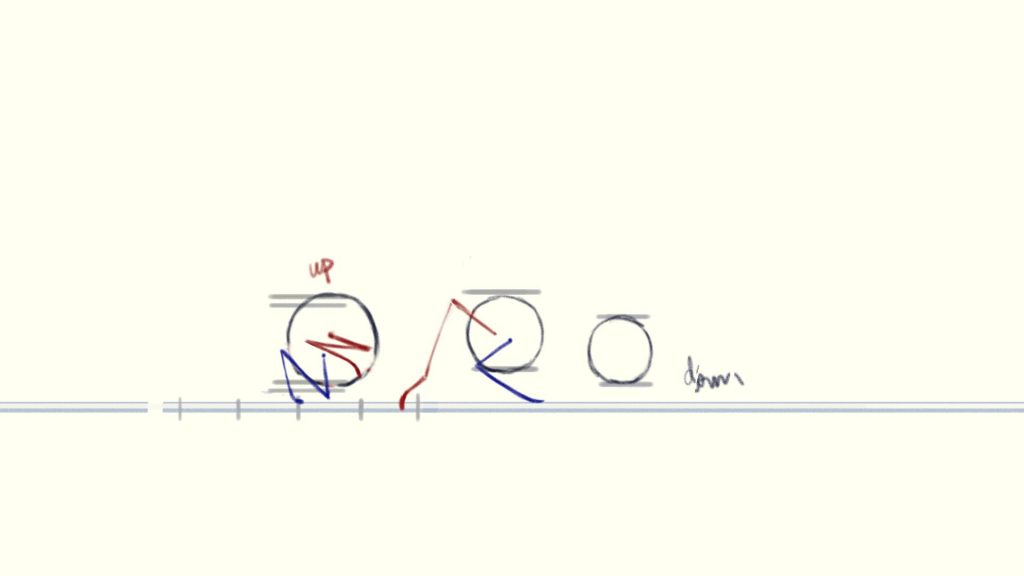
I choose to start from how the cat’s head, ribcage and pelvis moving. Because the head, ribcage and pelvis have no distinction between left and right, the .
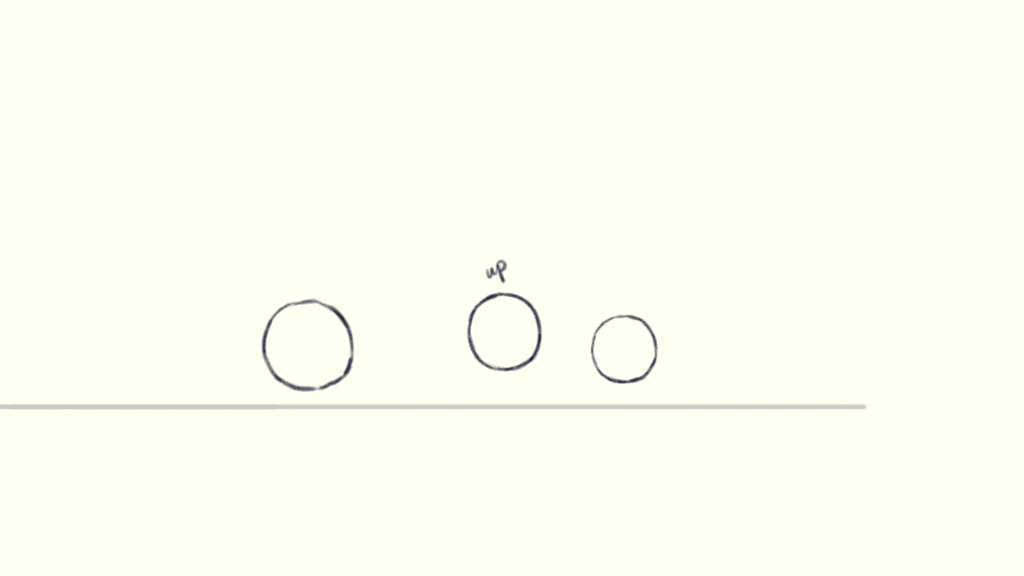
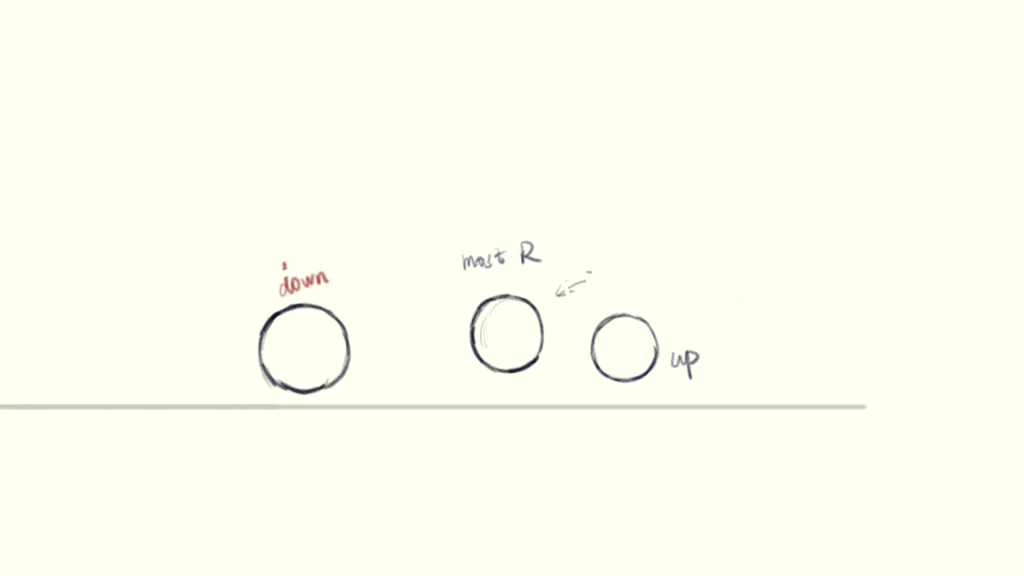
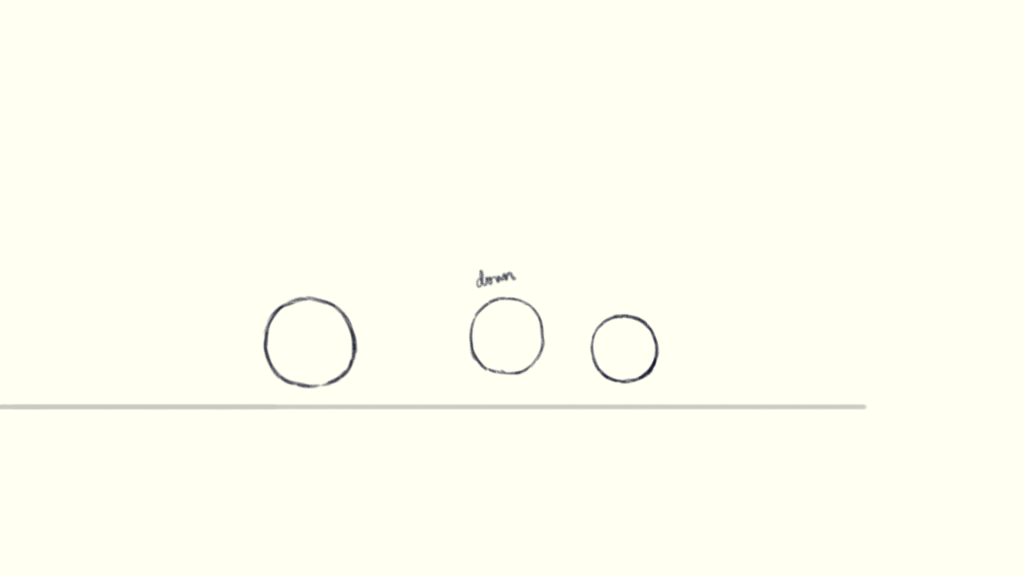
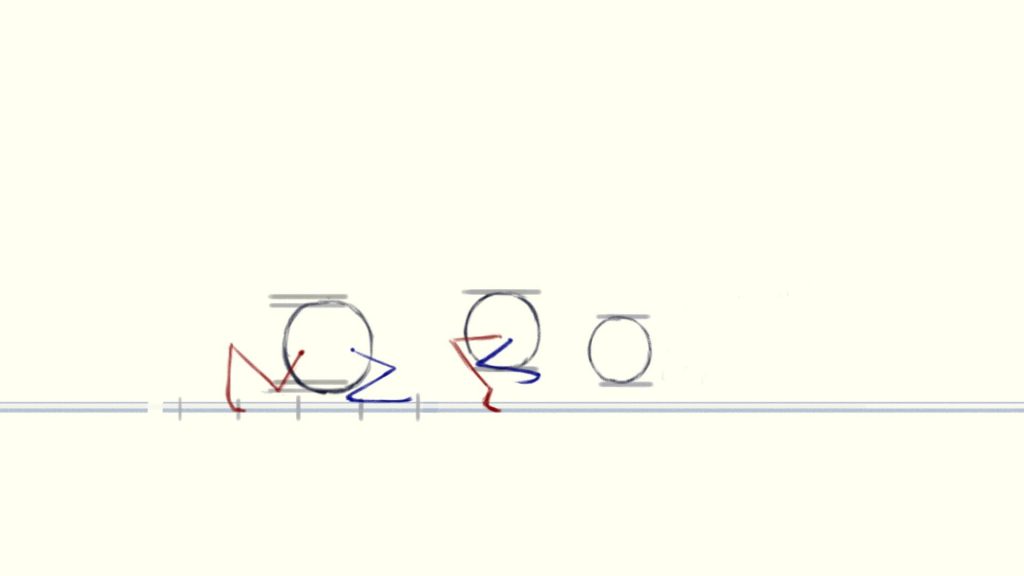
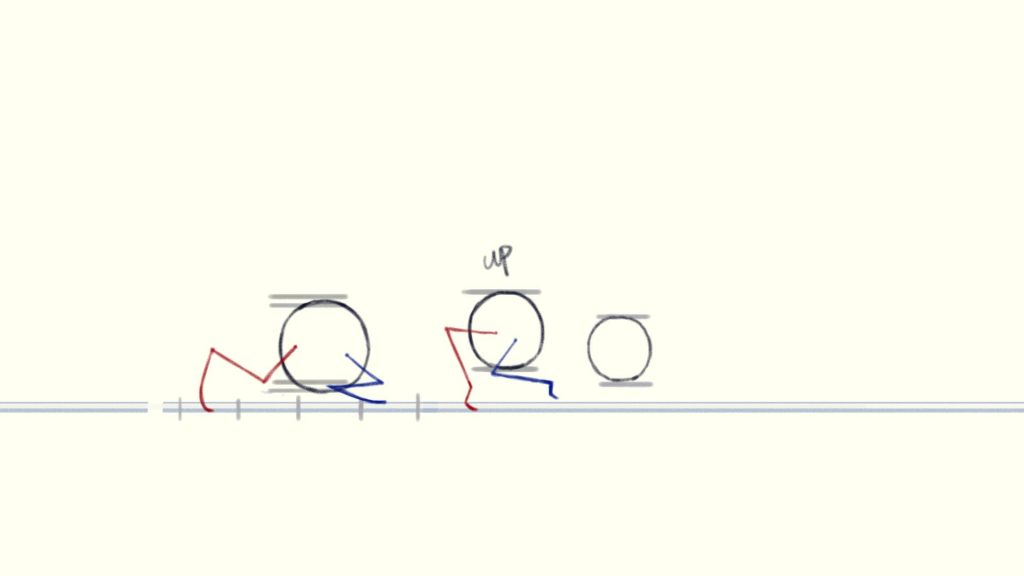
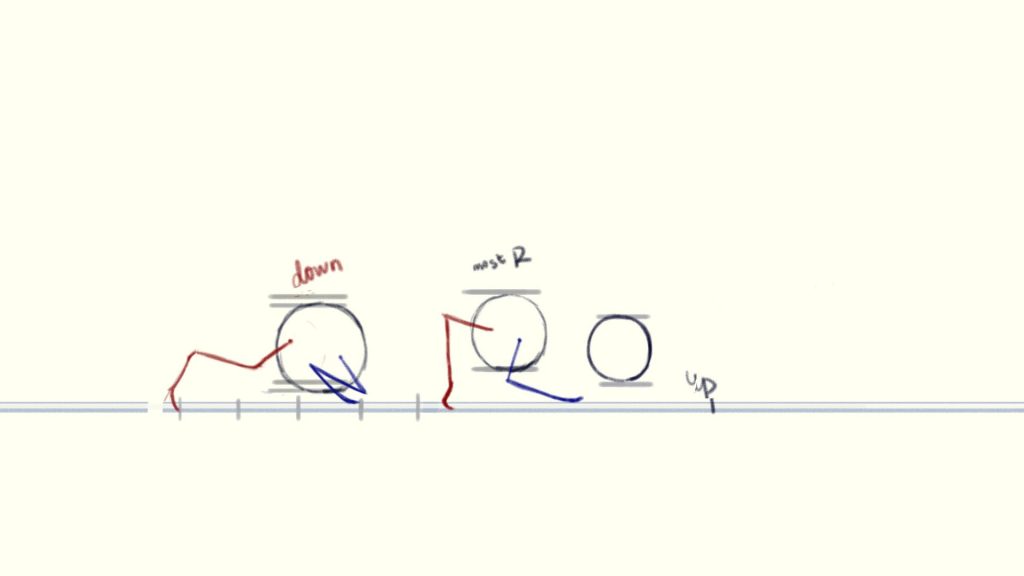
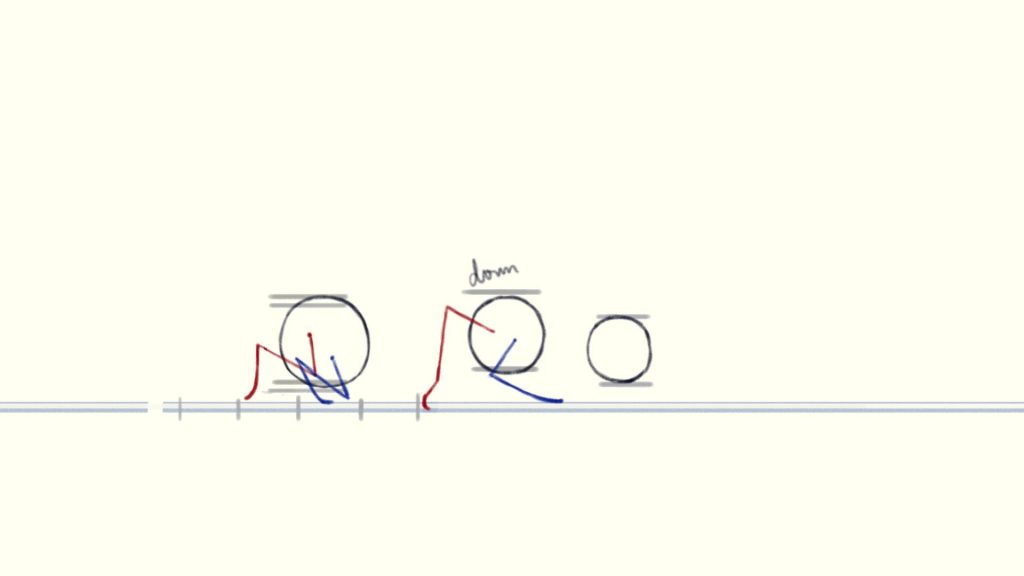
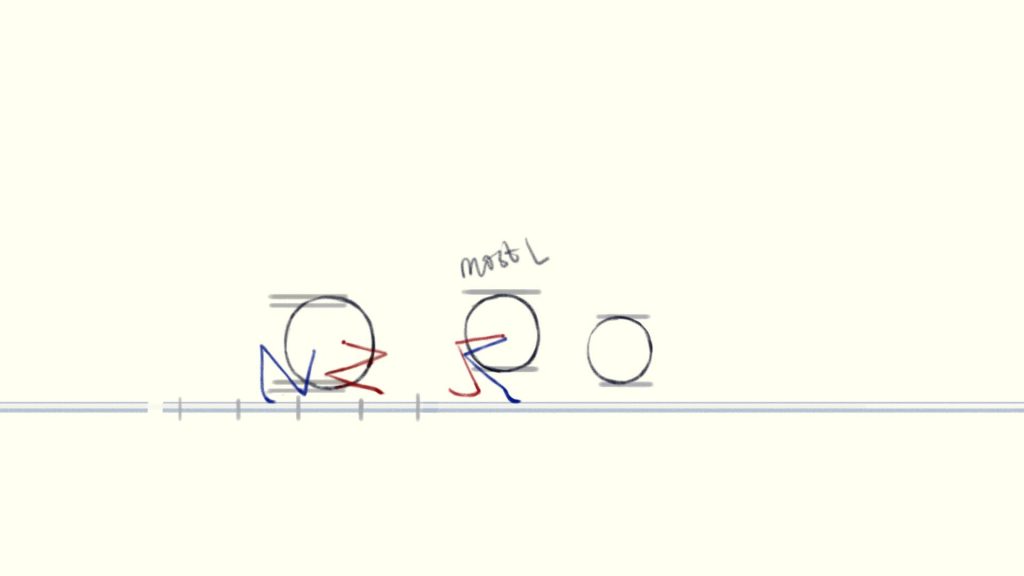
To make one step, the ribcage will have one highest point and one lowest point. As the rule shows, I take frame 2 and frame 4 as the highest point and one lowest point. This also suits the pelvis. I take frame 3 and frame 5 as the the highest point and one lowest point.
Because the legs are bent and stretched severely, the body should be squashed and stretched during walking. After observing the reference in detail, I noticed that when one of the cat’s hind leg stretches backward and the front leg is ready to take a step, its body is stretched to its longest length, which is frame 3. So I drew the ribcage furthest to the left in frame 3 to show the body stretches mostly. Correspondingly, the ribcage should be the furthest to the left in frame 6.
Another way to draw “squash and stretch” is to divide the ribcage and pelvis into separate parts. In the frame(or the next frame) where each part reaches its highest point, move it righter, and in the frame(or the next frame) where it reaches its lowest point, move it lefter.
The head is just move up and down due to animal head stability.
Legs
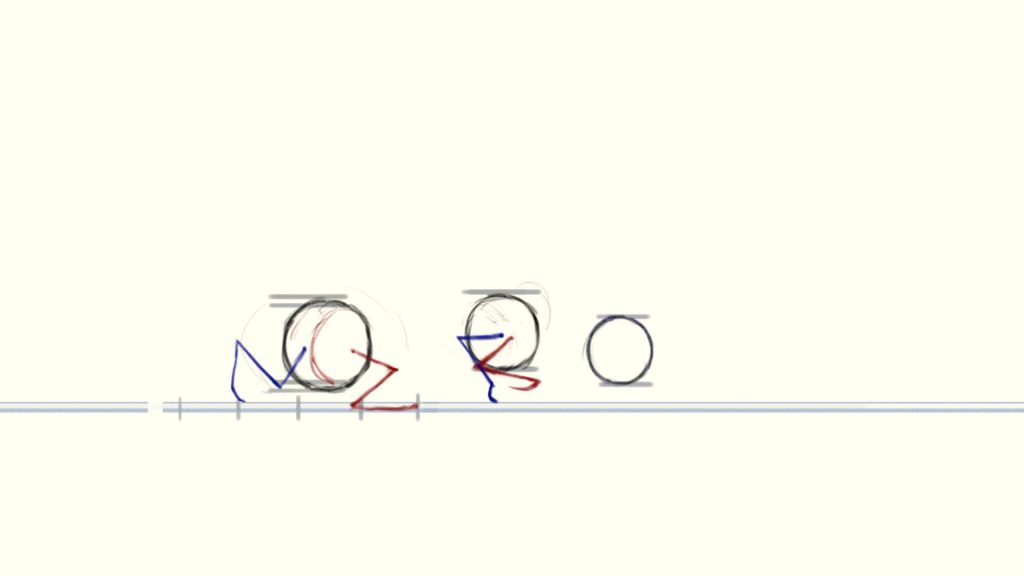
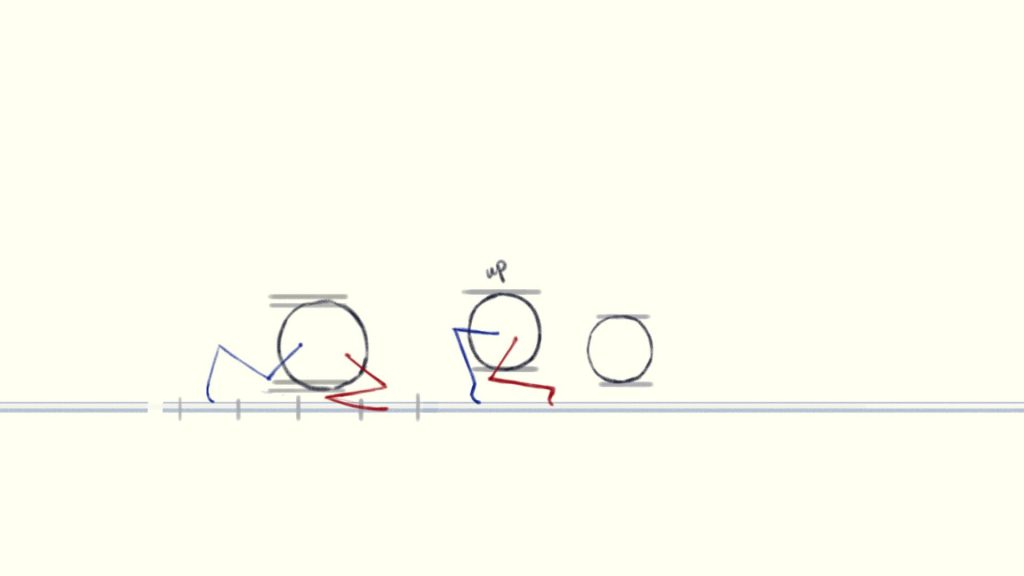
To draw the legs moving, just follow how the ribcage or pelvis move. Draw another line to show the perspective of ground, two side legs will walk on diffetent lines.
The secret to determining where the foot should be placed in each frame is: First find the two frames where the foot extends the furthest, and then divide that distance evenly according to the number of frames in between. (Some video said the secret to animate is timing and spacing, well I may think it’s math.)
Ears and Tail(Follow through)
The last thing is to add details like ears and tail. Just follow how the head or pelvis move and add a little bit of lay back, then you will get a tiptoeing cat!
The clip I choose is a scene from the beginning of the movie “Soul”. (Well the movie is incredible…the clip I chose is a little bit long so I just premiered it and kept only the parts that attracted me the most.)
I will select the most representative segment and analyze it based on the twelve principles of animation.
Analysis-The 12 Principles of Animation
Squash and Stretch
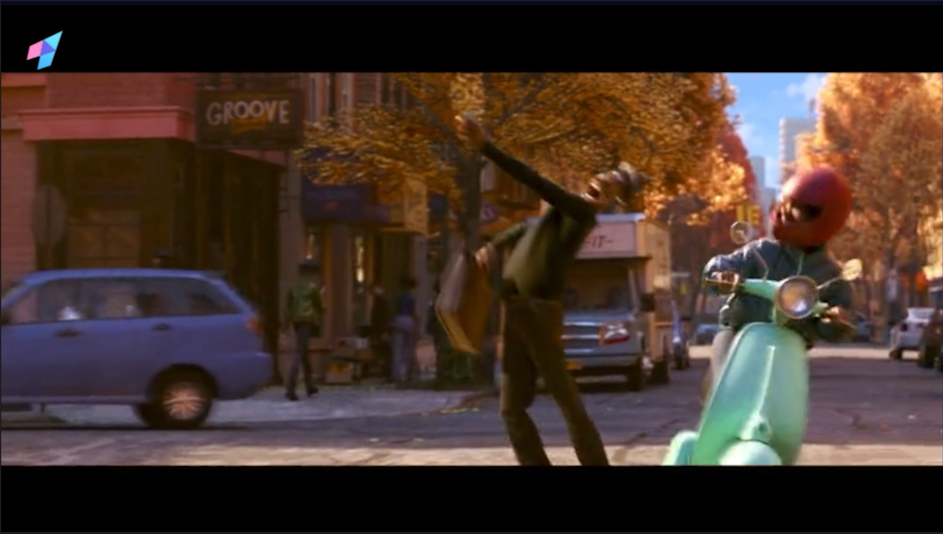
The squash and stretch rule is not very obvious in real people model. Like the below frame, even it’s the extreme frame it’s still close to invisible.
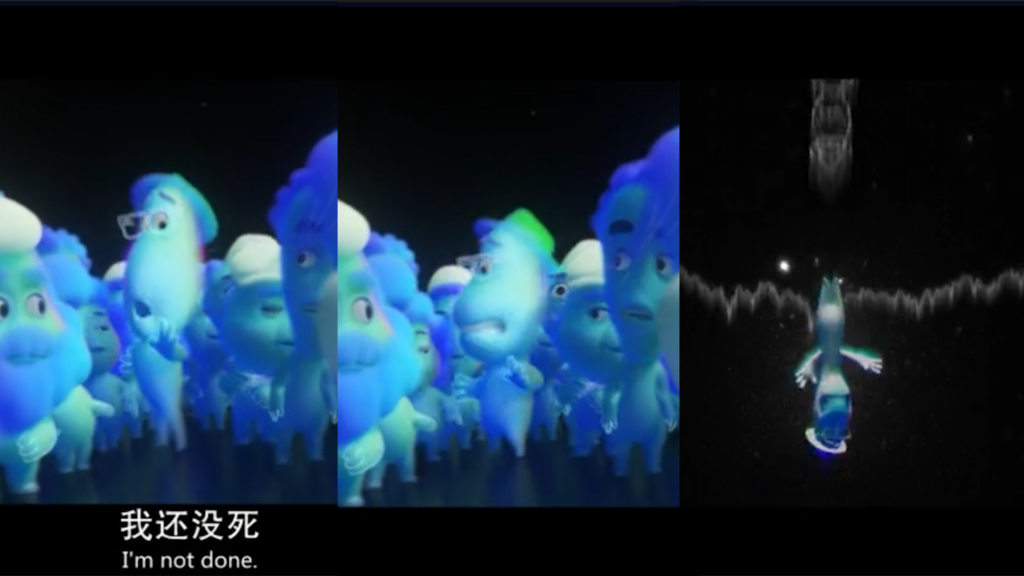
But when the character turned into the soul form(the aerogel form), the squash and stretch is more clear——the stretched body can be one-third taller than the original body or even more!(still control to keep the body’s volume constant) This strategy demonstrates the flexibility of the soul material.
Yet still this change is hard to notice because it is fleeting. I can only notice it by watching it frame by frame.
Anticipation
The anticipation happens more often when the character does some actions but not talking. When the leading man starts to walking, there are many aniticipations to lead the audience to see what movement happenes next.But when he starts to talking, he just open his mouth straight away.
Like this clip below, the man dose a lot of anticipations such as:
Raise his arm before cheering.
Raise his arm before the arm drops.
Turn his head to the side before he walks to the stroller
Look at the electric bike before he hides
Staging
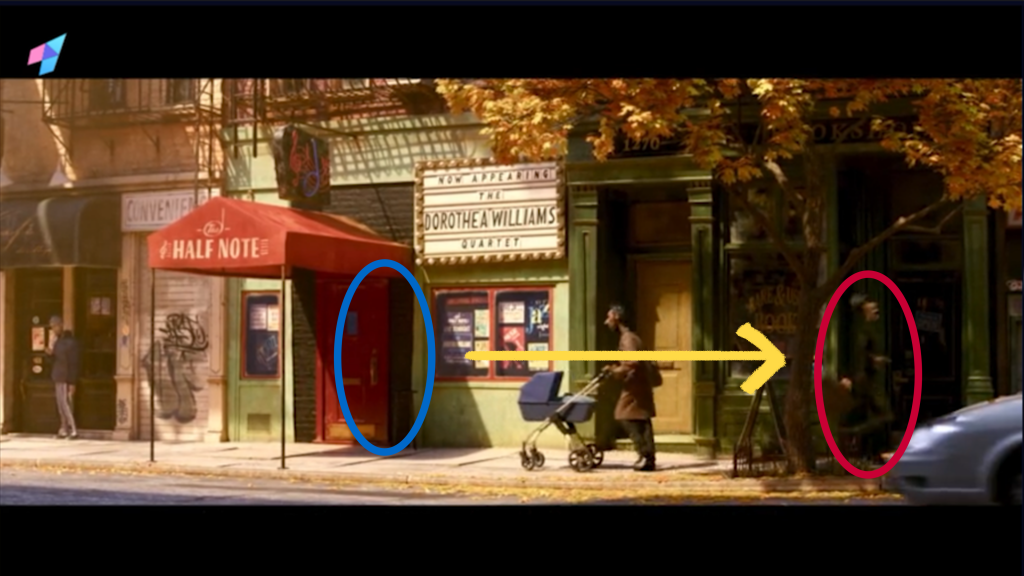
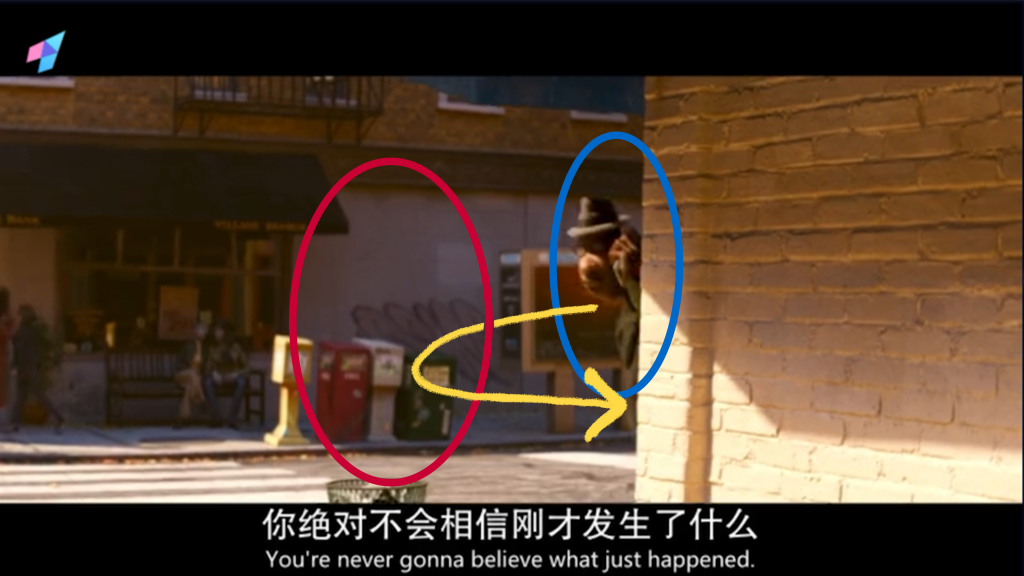
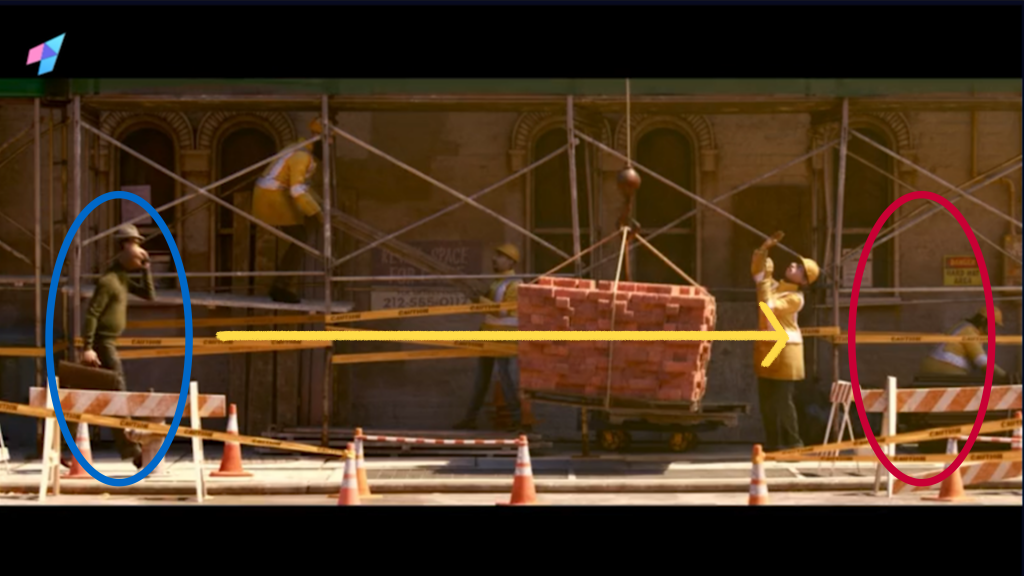
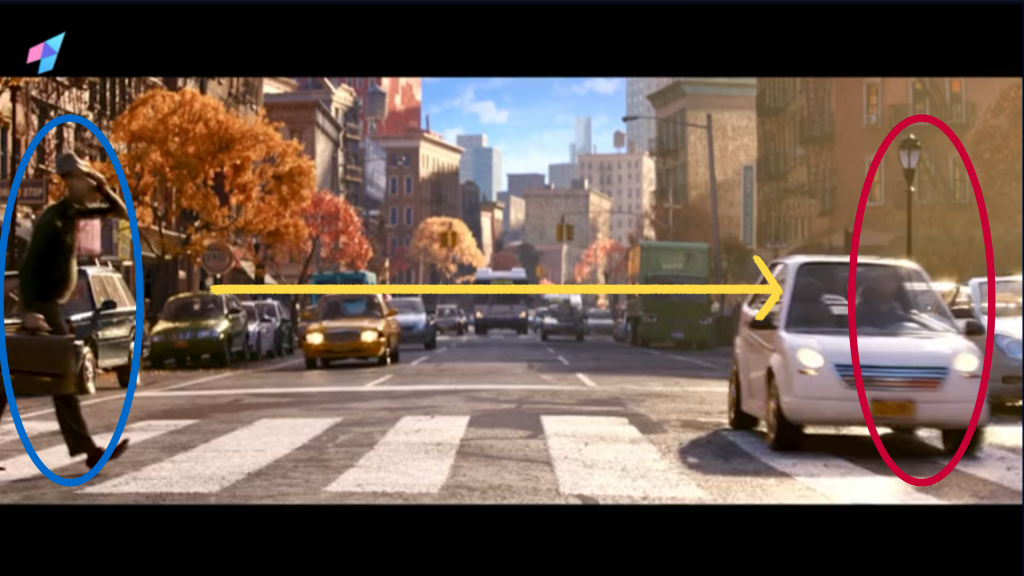
I observed two ways to manage where the audience look at while switching the shots.
Well the most common way(also the way I know) is to keep the moving part ends and starts at the same place.
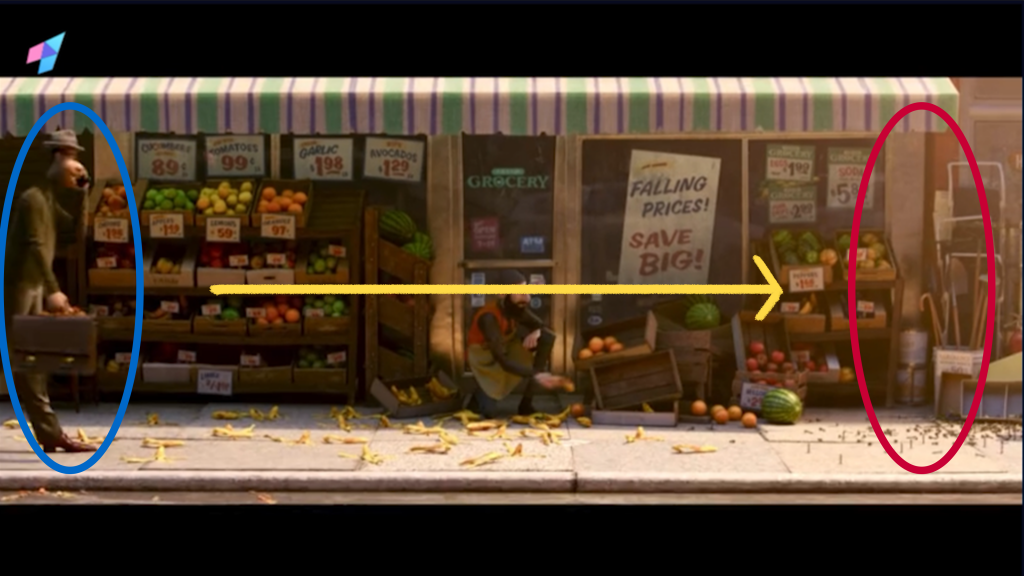
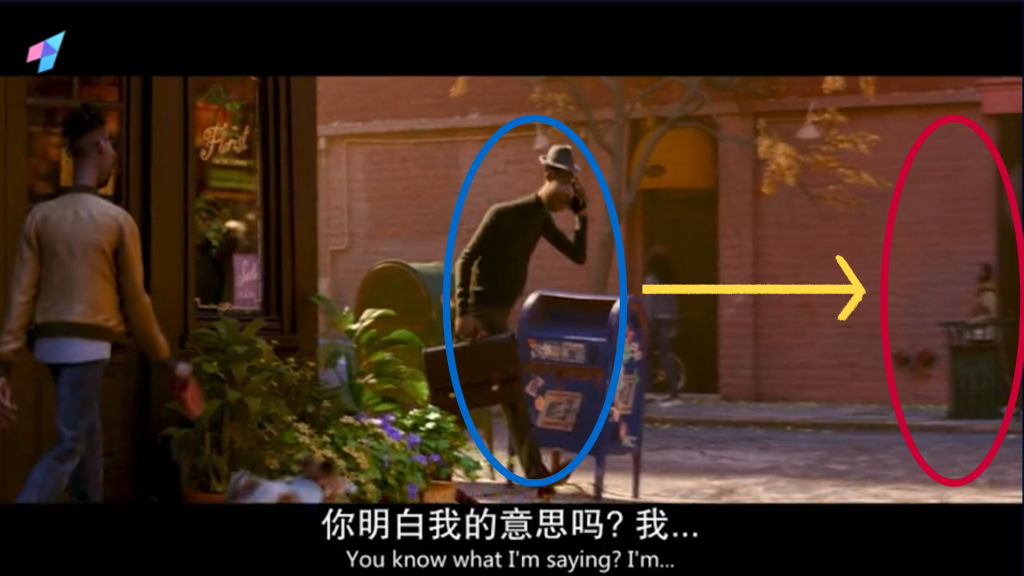
(The blue circle is the position where the charaster is standing at the beginning of the shot, the red circle is his final position and the yellow line is how he moves)
Like two adjacent shots above, the character moves to right when the first shot ends and moves from the right when the second shot starts.
The another way applys when the character needs to go some direction for a long time, such as the group shots which the character walks several street blocks. So the character just enters the frame from the left side and exits from the right side, and next shot repeats this process until finish. The example is as follow:
Another interesting thing I observed is when lots of things move at the same time, the main character must move the most to attract attention and the rest just move very slightly. This solved my problem of wanting part of the background characters to also be in motion, but not knowing how to arrange it.
Straight Ahead & Pose to Pose
Obviously it’s mainly pose to pose because it’s a 3D movie. I think the frame by frame will be used on the follow through or special effects like water.
Well the simulated work still keeps going. I may think the ending depends how long I want to continue helping and it’s definitly a wonderful project. It’s just the right opportunity to find what we are interested in mostly and take a look of how people cooperate. The workload of designing the background far—— exceeded my expectations. I remember the redesign of new perspective took me a whole week to finish…the new parts that need to be redesigned just poping out constantly. But it’s still so——funny! I can’t help but draw a little more. I need to remember to allocate more time for the preliminary work(like character design, storyboard, layout) next time, such as the LIAF project next term.
The following are my work logs.
260309-Now
The feedback is to simplify the stalls and make it more Chile style.
260303-260308
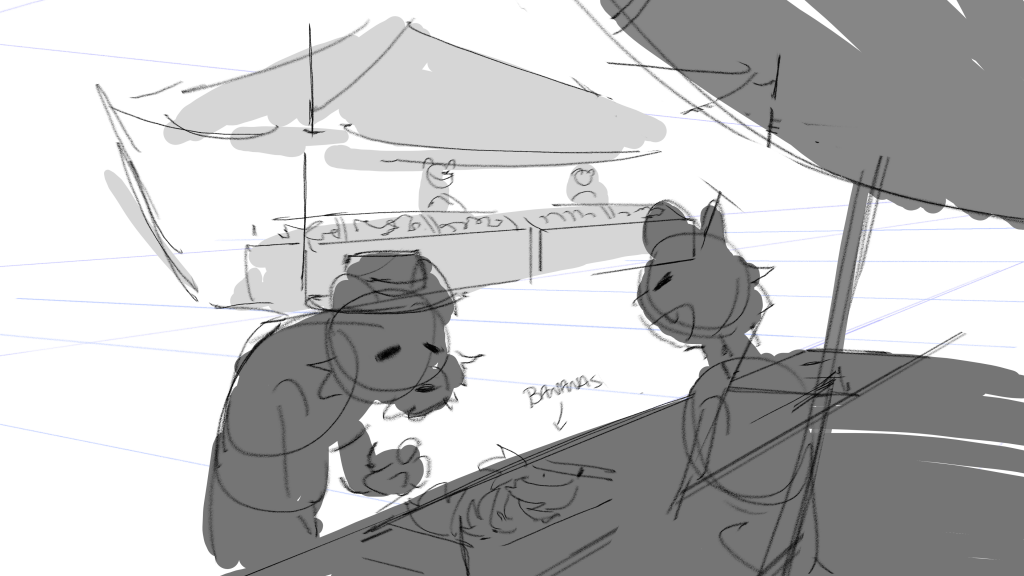
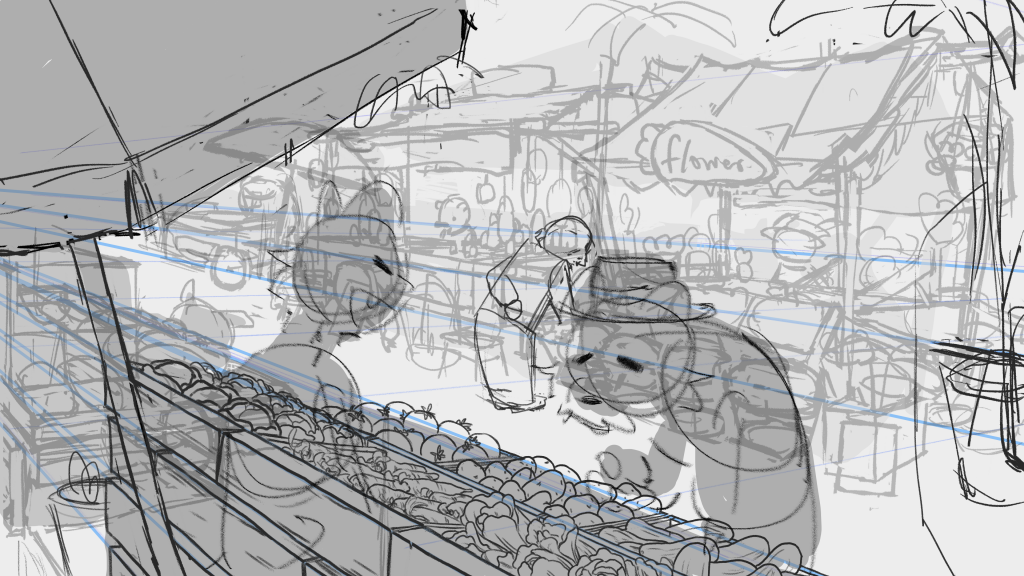
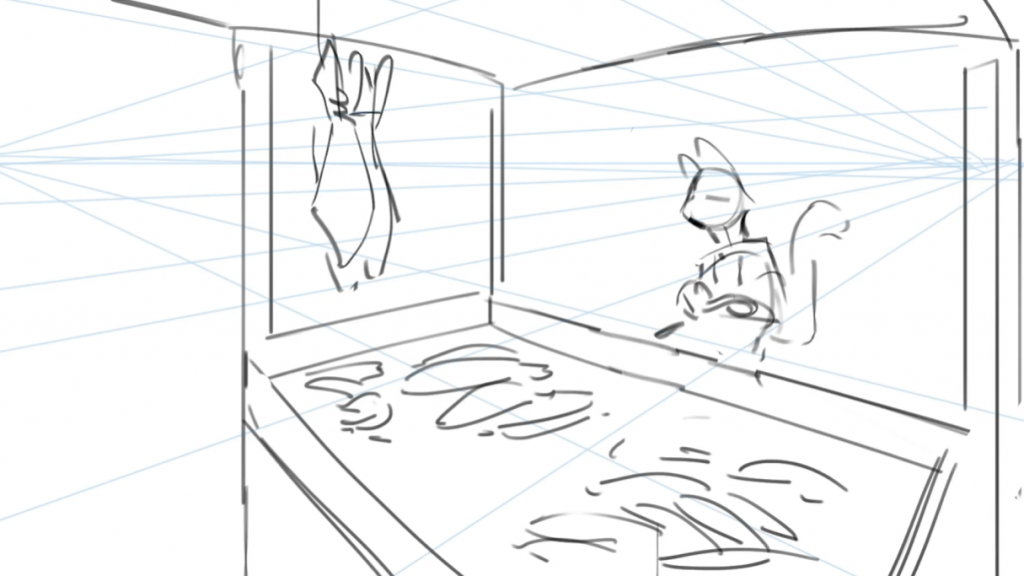
I got the feedback and needs to change the perspective to this:
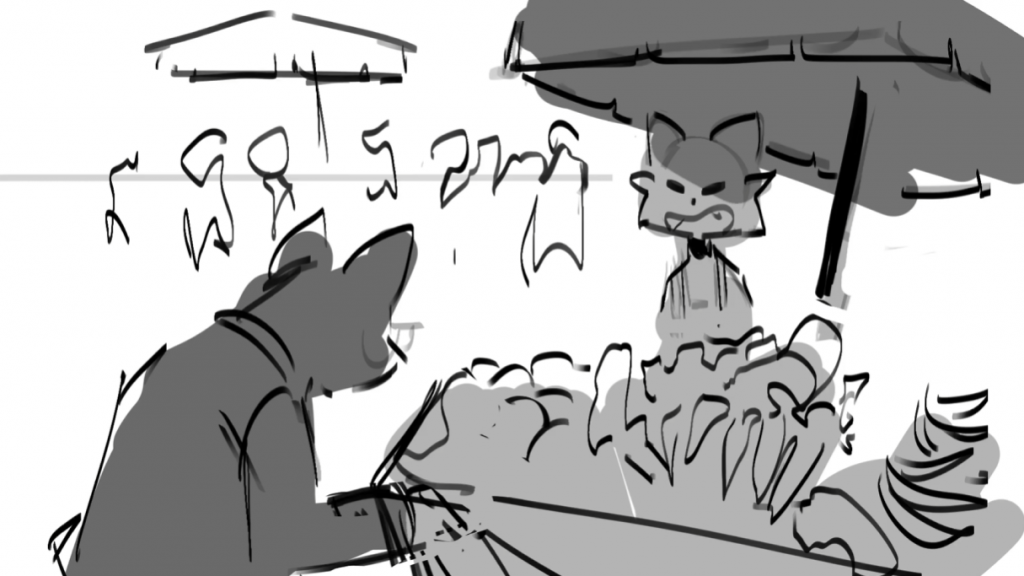
(And put all the characters who have occupation standing behind their stalls.)
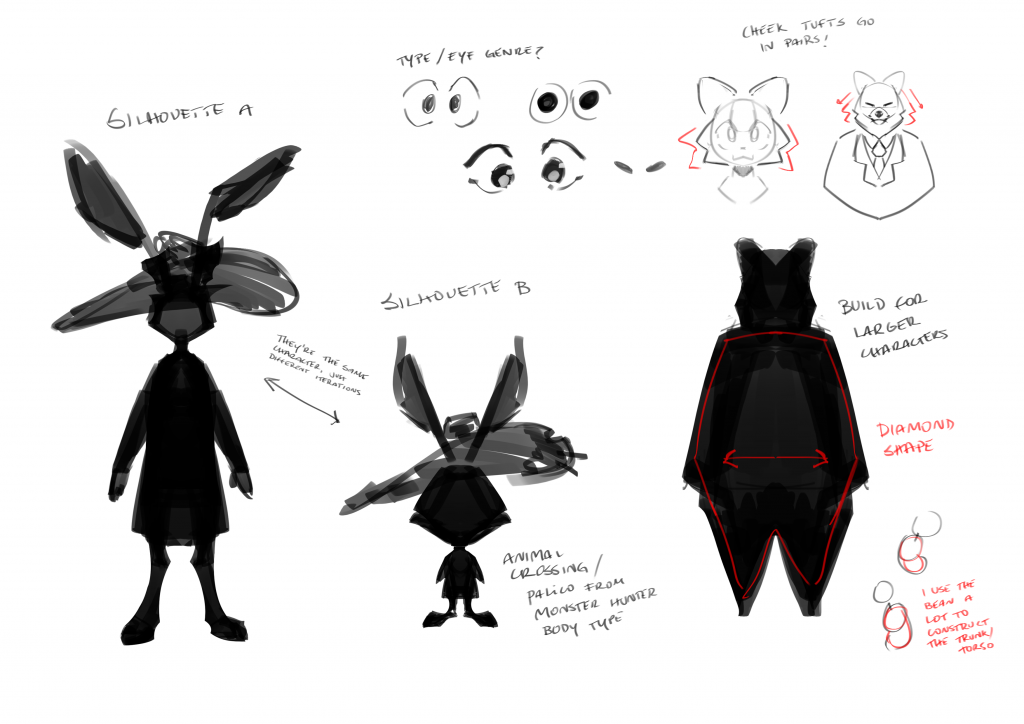
John also give me some guidance on character design: (Thanks John!)
Back to the background, that’s a very good perspective. But considering next shot the cat falls from the right side, to match the focus of audience’s eyes, I mirrored John’s draft.
Also the erected tent seems too common so I re-designed the stalls they have. I add the plaque and draw the products they sell according to their jobs. The draft is as follows:
Also do some clean-up to see the final effects.
260227-260302
Choose some positions and design the characters. Not very much because I think I have been running too far in the wrong direction…so I ask John about some advices first.
And also the draft:
I put the designed characters walking around the street or buying something, but maybe it’s too complex to animate? Also there are too many things to move at the same time.
The most thing I considered during drawing the background is perspective. To make the background world convincing, and considering all the characters have different heights, I kept my attention on the horizon–“All things go through the horizon have the same height.” (I found it’s very easy to betray that law…)
260226
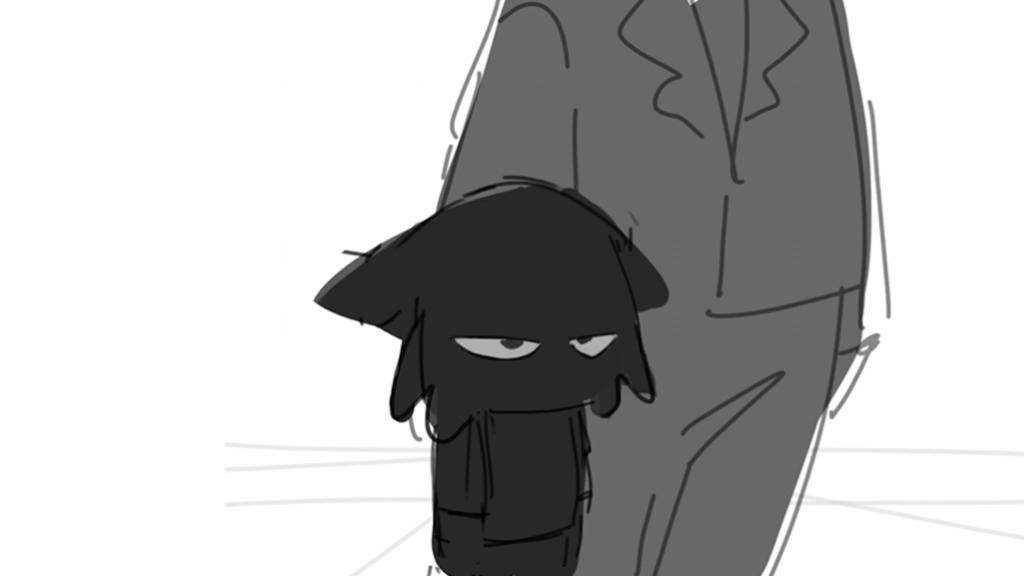
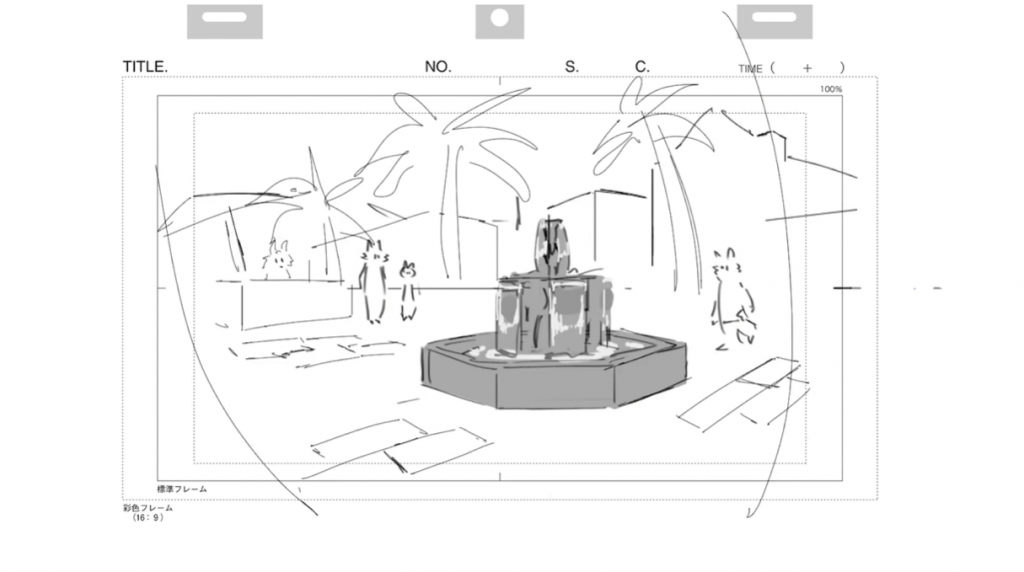
I meet John on M207 to talk about the next task. I need to finish the layout of shot 2 and the rest storyboard. The layout is about designing some background characters and stalls.
For the character design, I think of the economic conditions and culture background of the place where street market could appear to infer what kind of people will live around. (Obviously a billionaire will not live here.) So I make a list of all the possible positions which may suits this story:
Sports coach
Gardener
Fishermen
Electrician
Carpenter
Painter
Miner
Tailor
Shoemaker
Insurance salesman
Mail carrier
Farmer
260224-0225
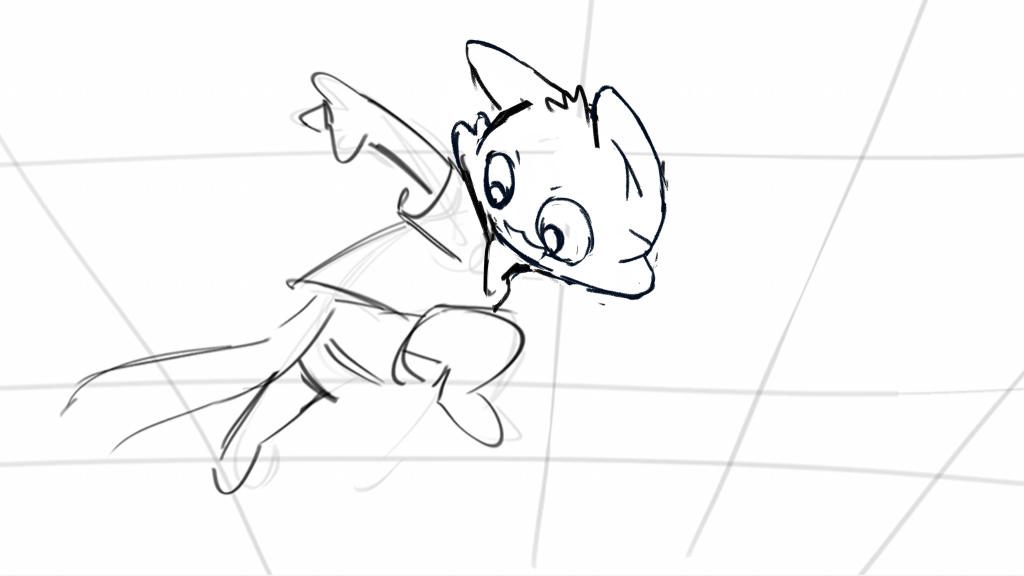
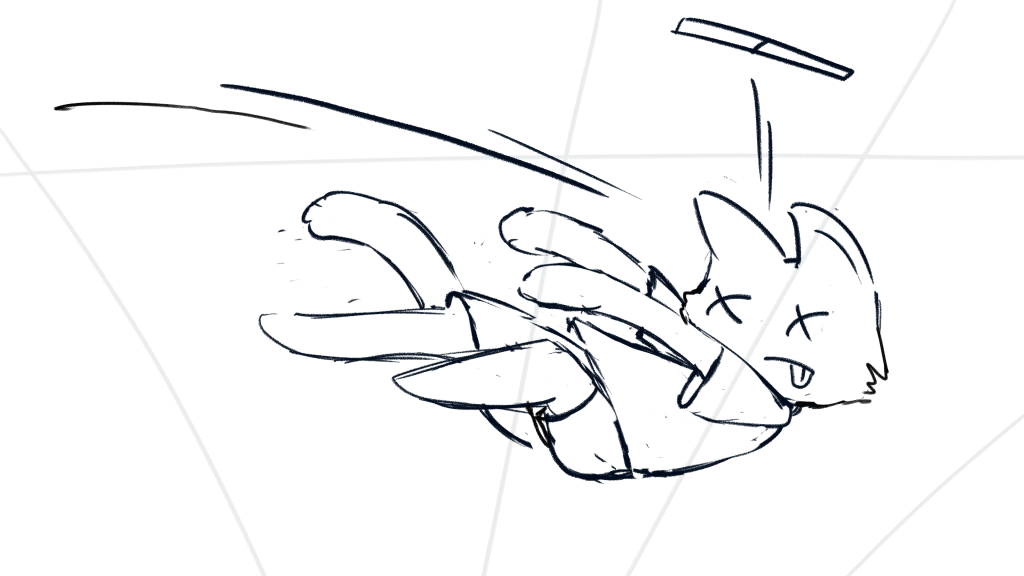
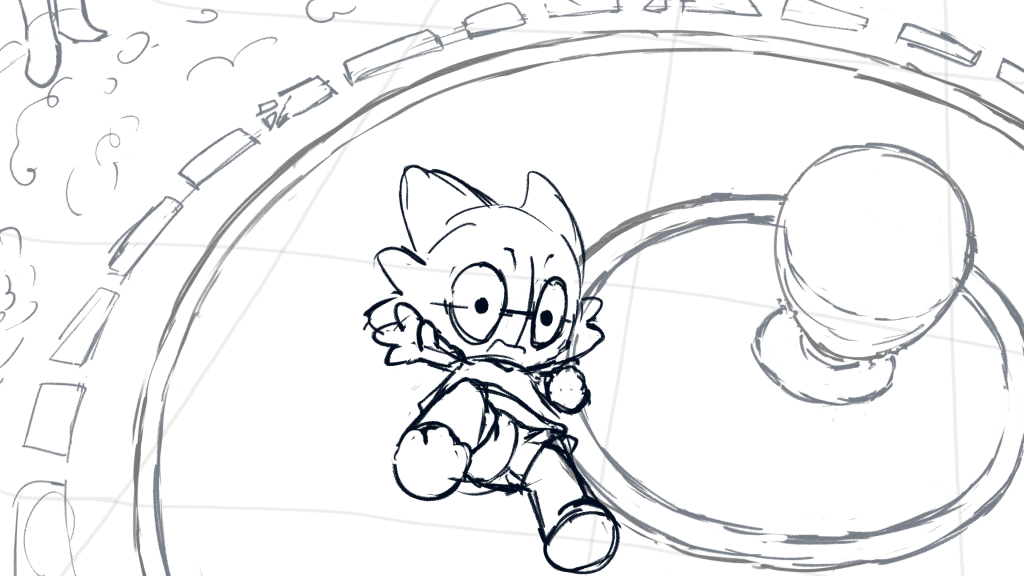
The first thing we decided to change is the running part from 01:08 to 01:18. I redraw the storyboard and put them into the video to see the effects.
(While drawing I was like:” The perspective is so easy! “, then draw a wrong line.)
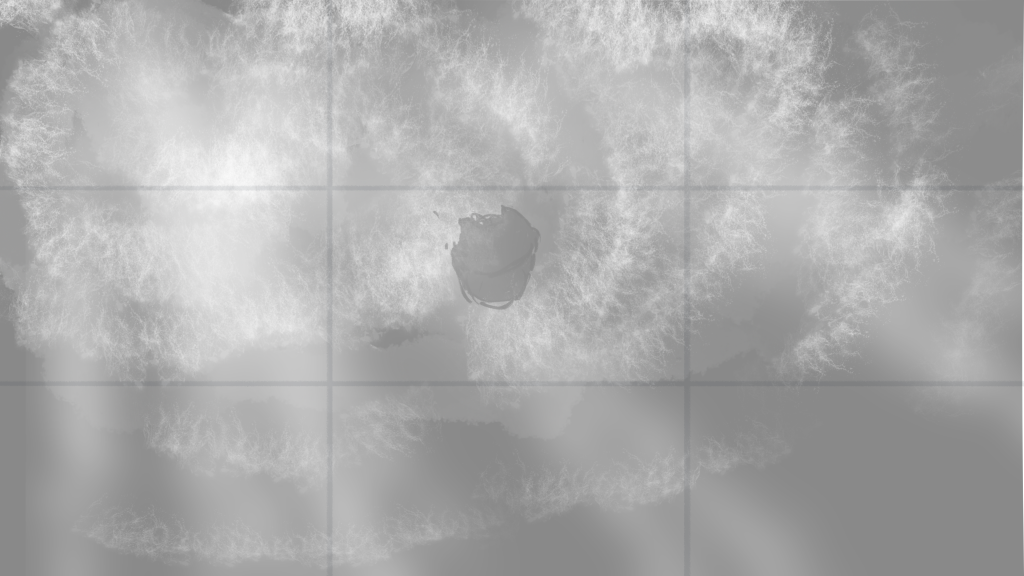
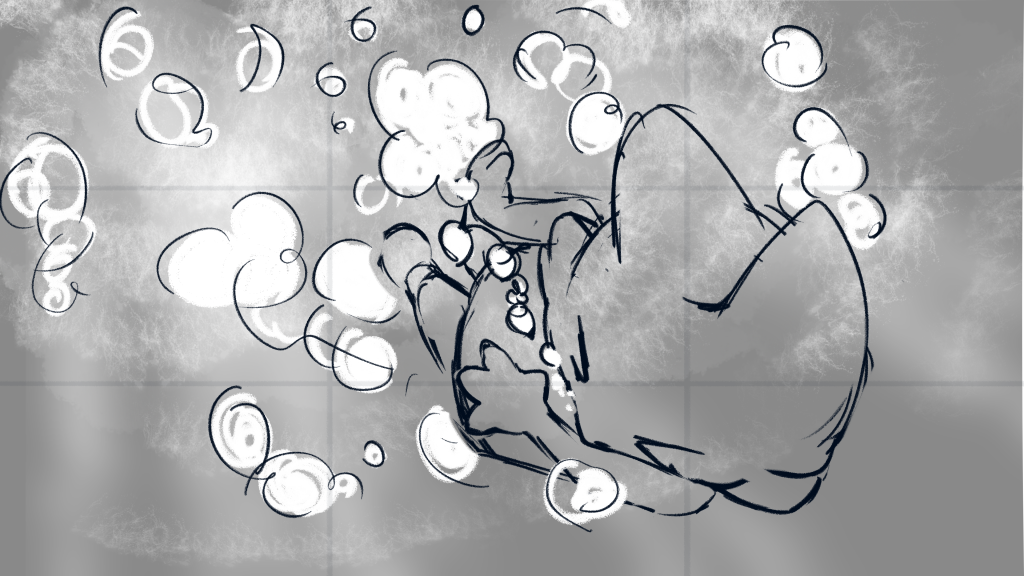
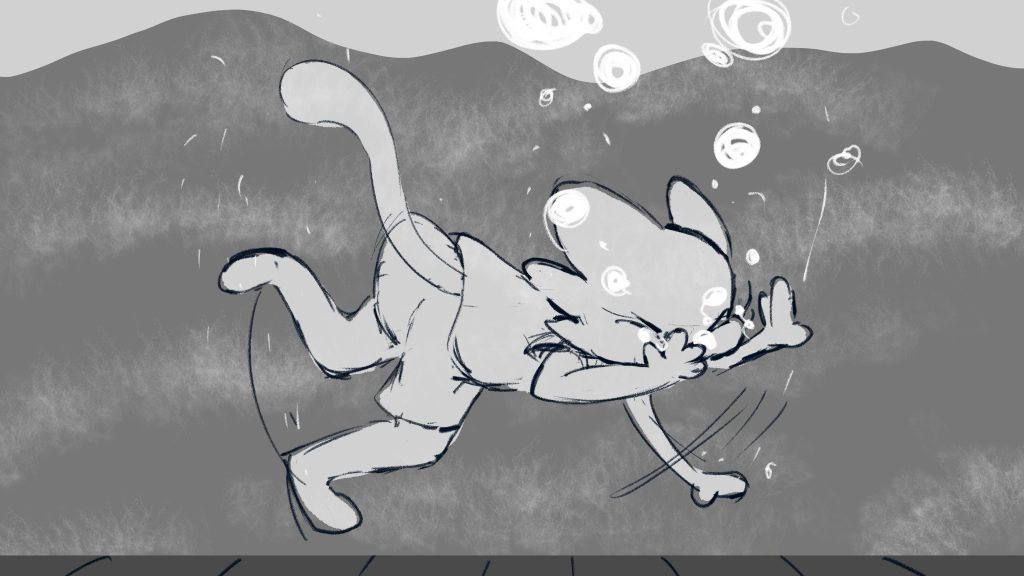
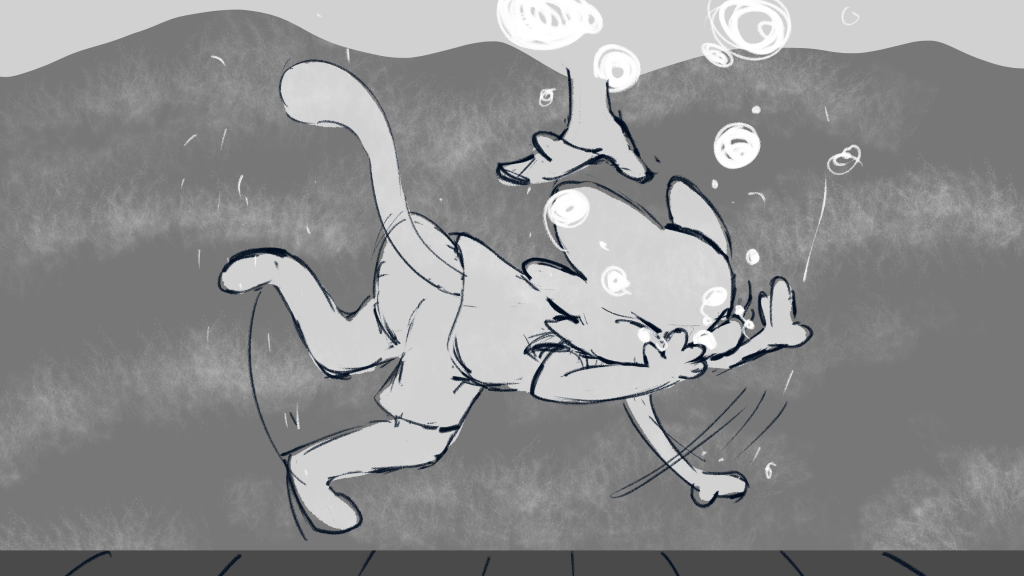
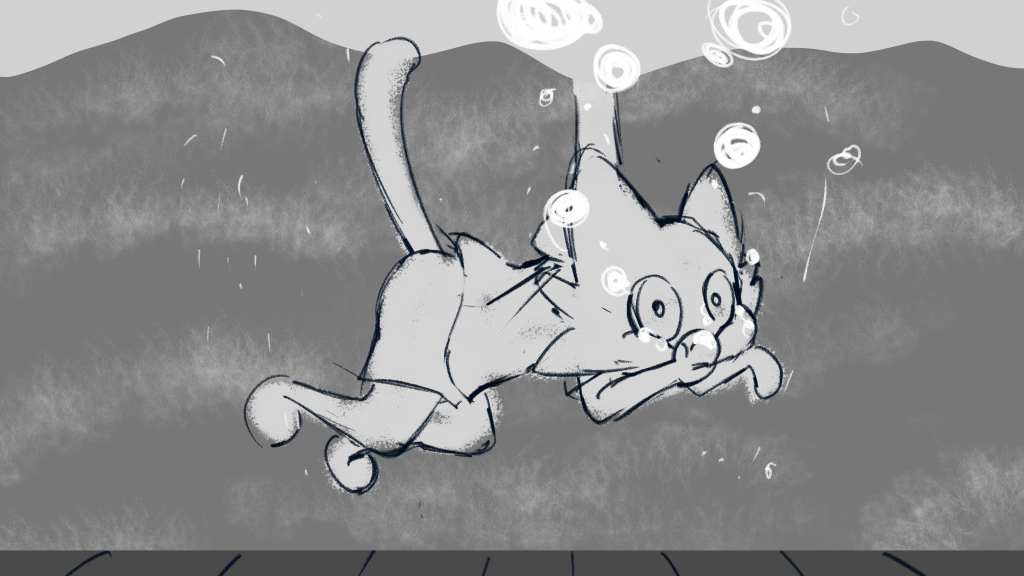
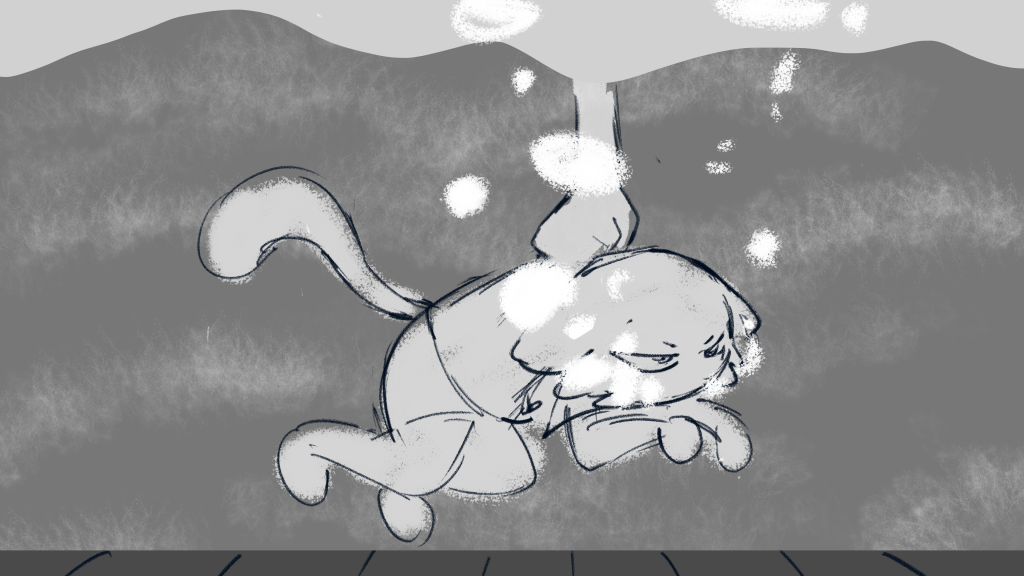
I gave John two versions. One contains the underwater part and the other doesn’t. John choose the first one.
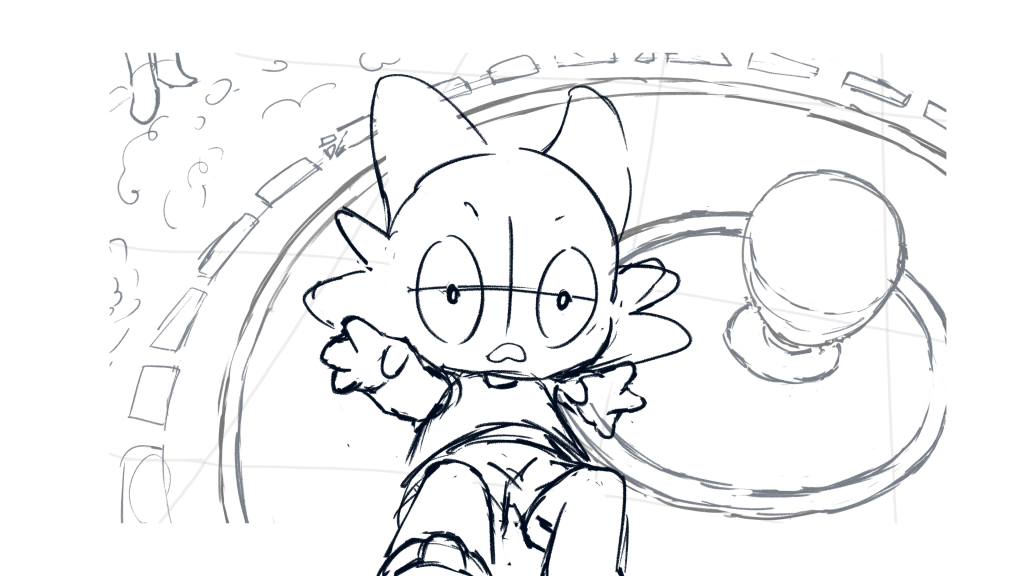
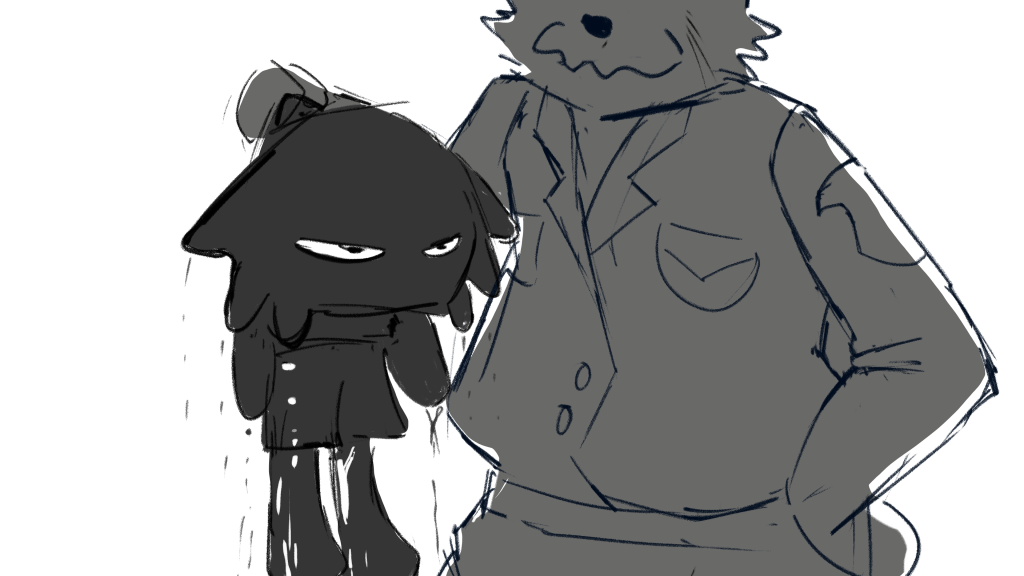
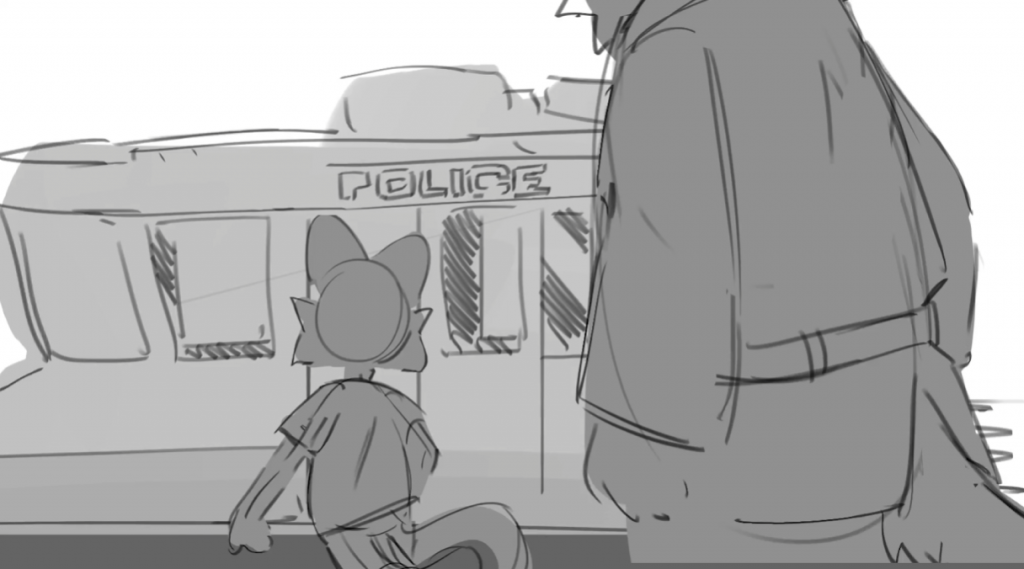
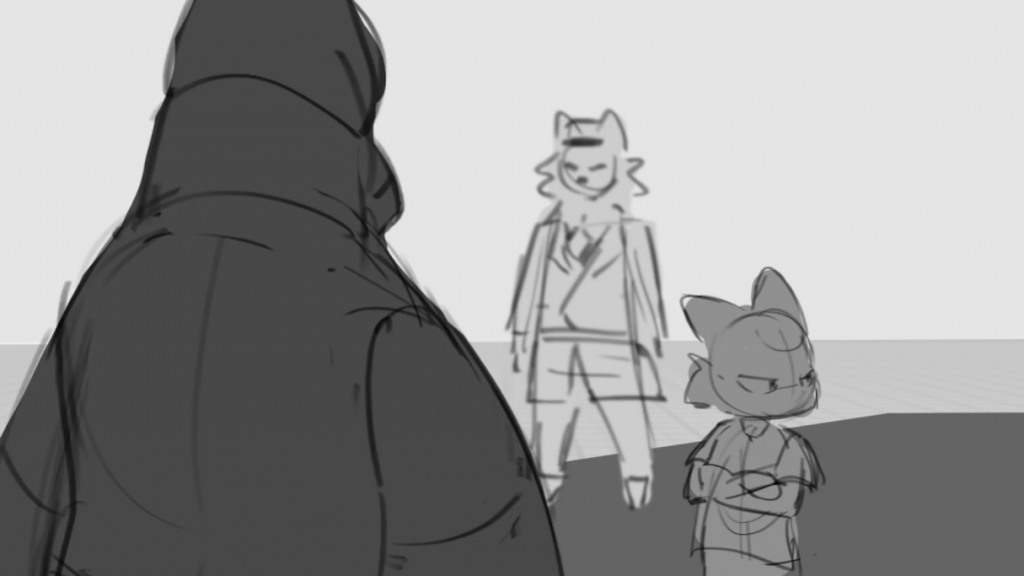
Also I think there may need one shot to reveal that it’s the police who chases the cat. John thinks for not adding too much on the background, he can add a up shot to reveal.
260223
John said he needs the background design, layouts, and some inbetweening on selected shots, so I’ll start from the background design.
The backgounds to be designed are shown as follows:
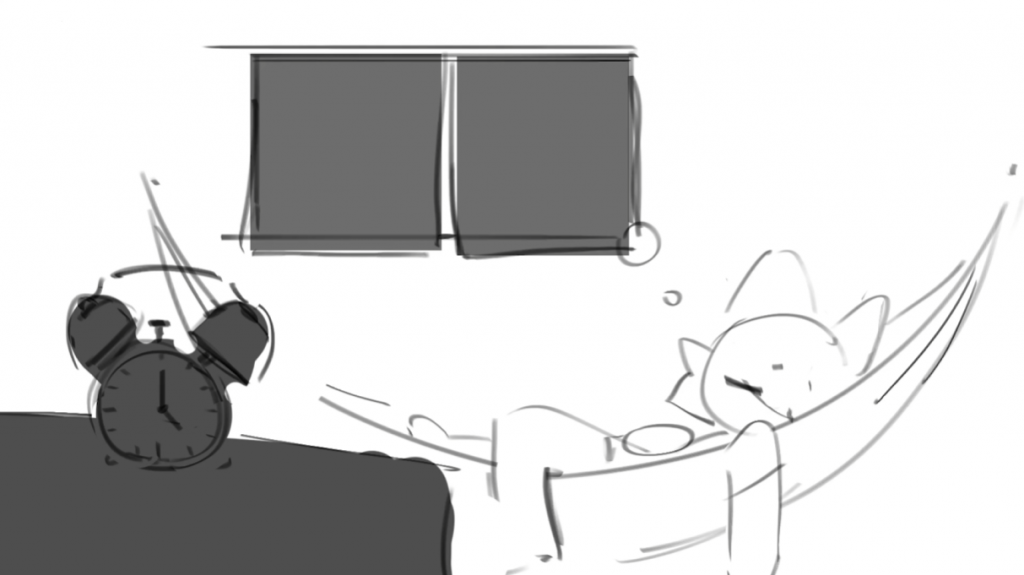
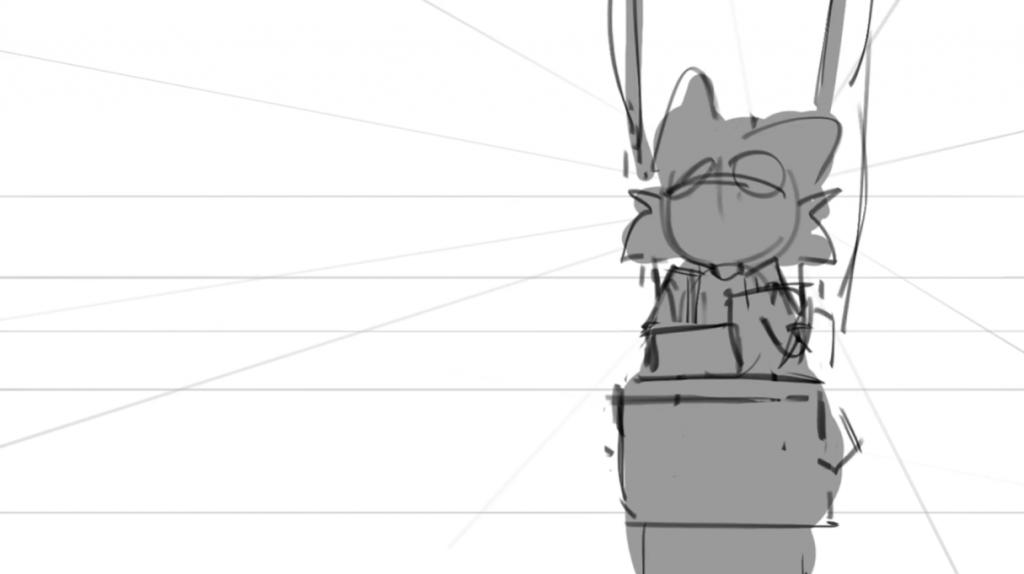
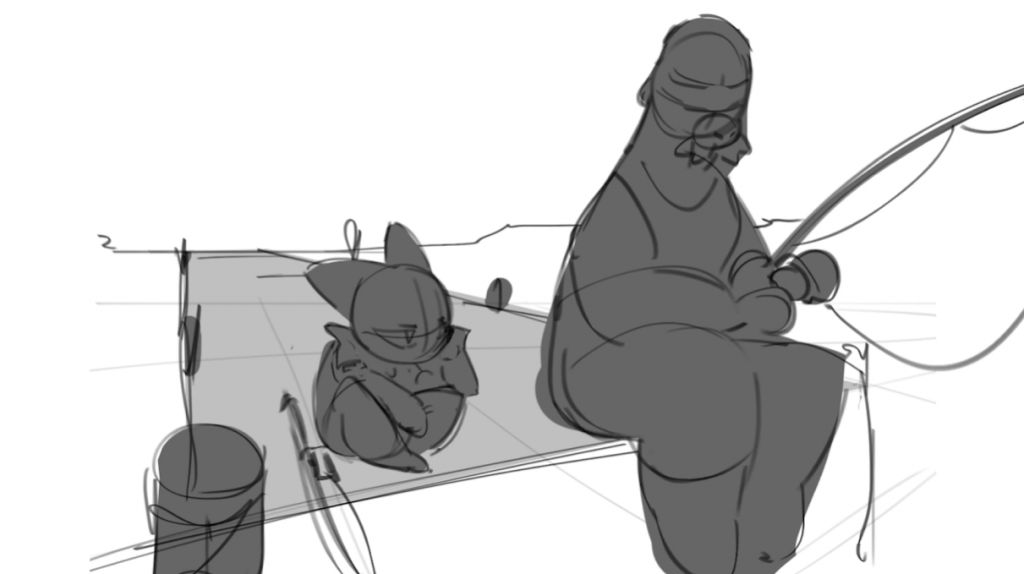
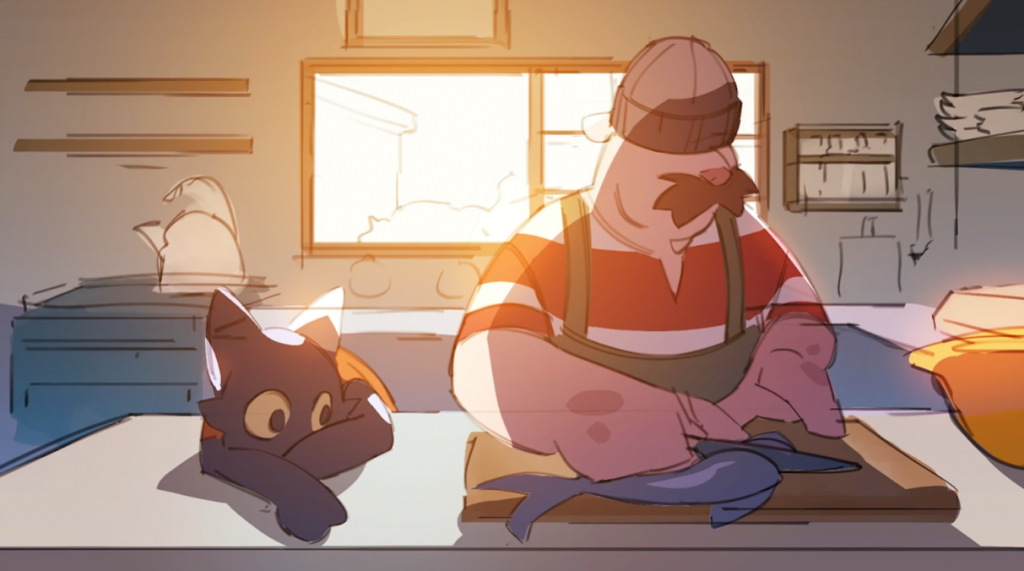
There are about 17 scenes during the animation, I categorized them into the following types:
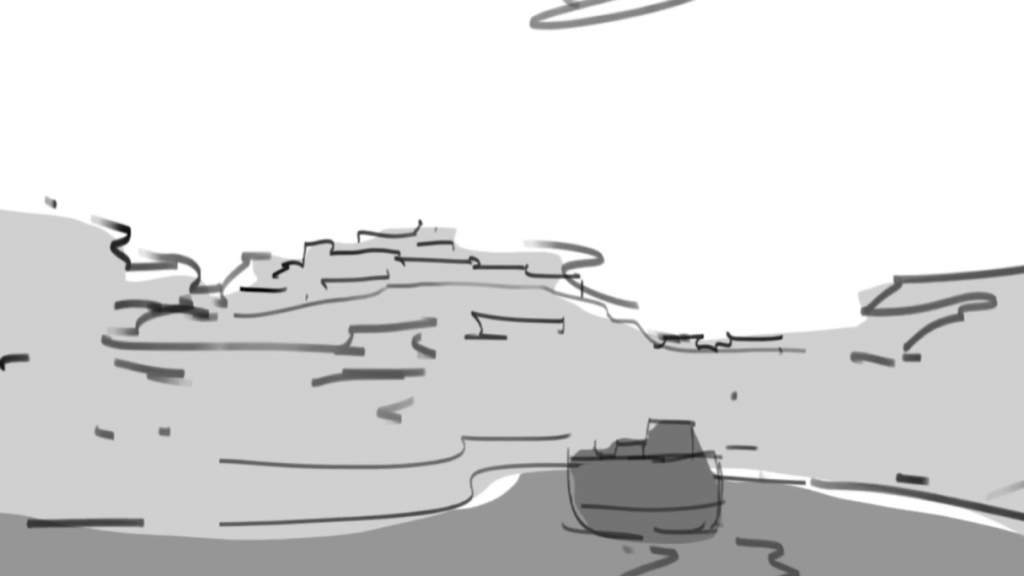
One panoramic view of a bay market;
One shot of a market stall(not the father’s one);
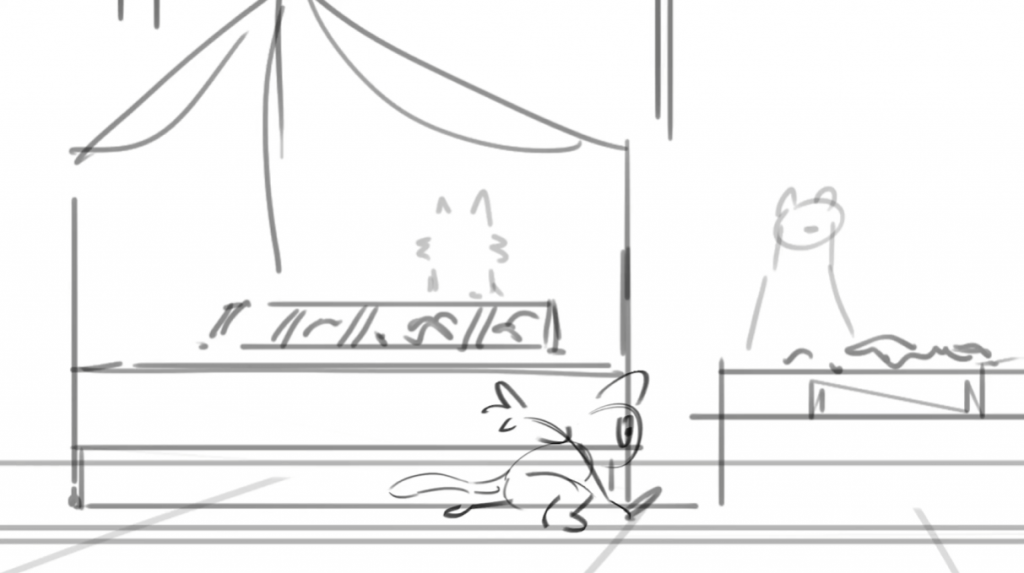
The father’s market stall and the street;
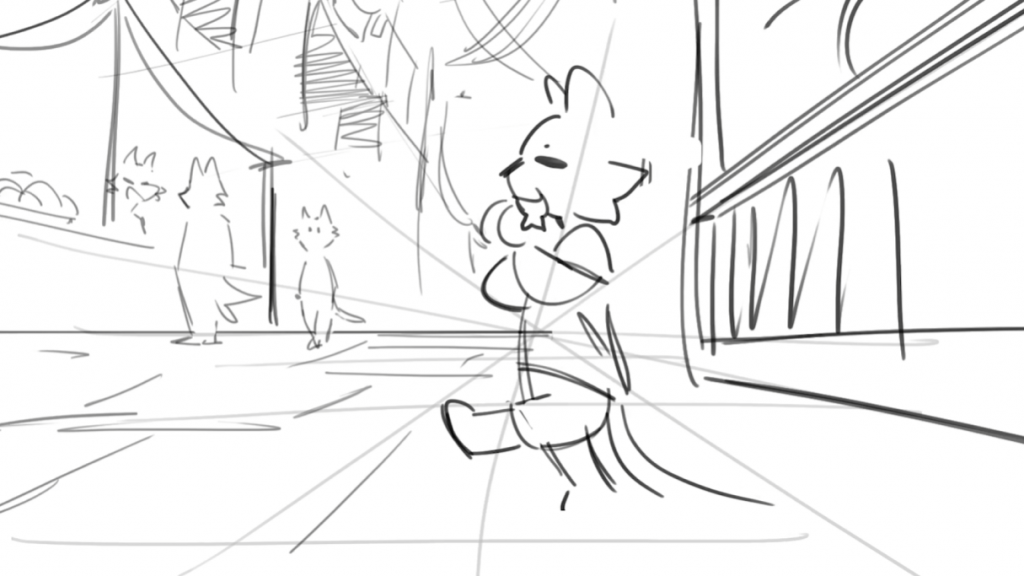
One pan of other stalls along the street(as the cat running);
The spring;
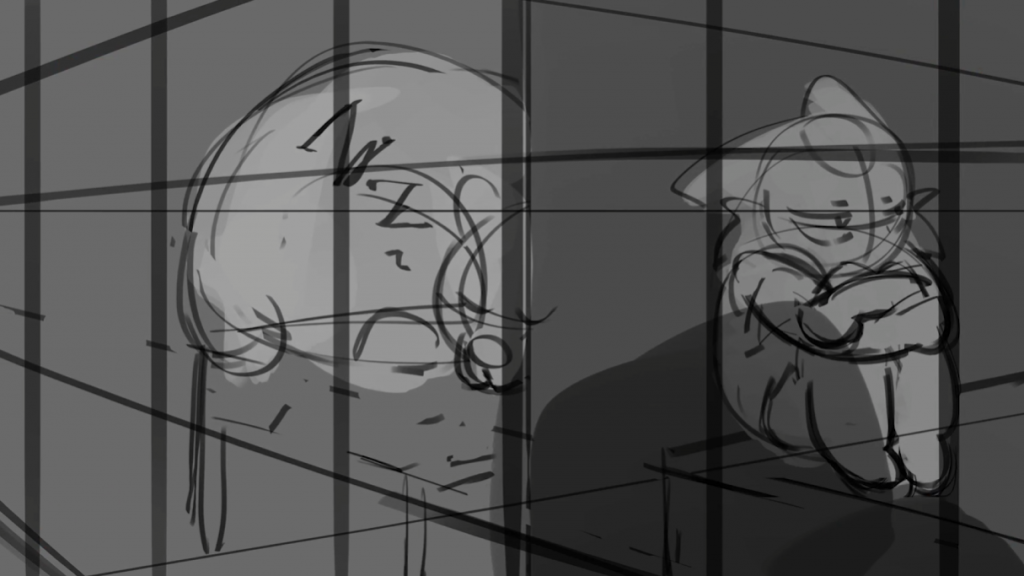
The police station and the jail;
The father’s house:
The cat’s room(varys as he grows);
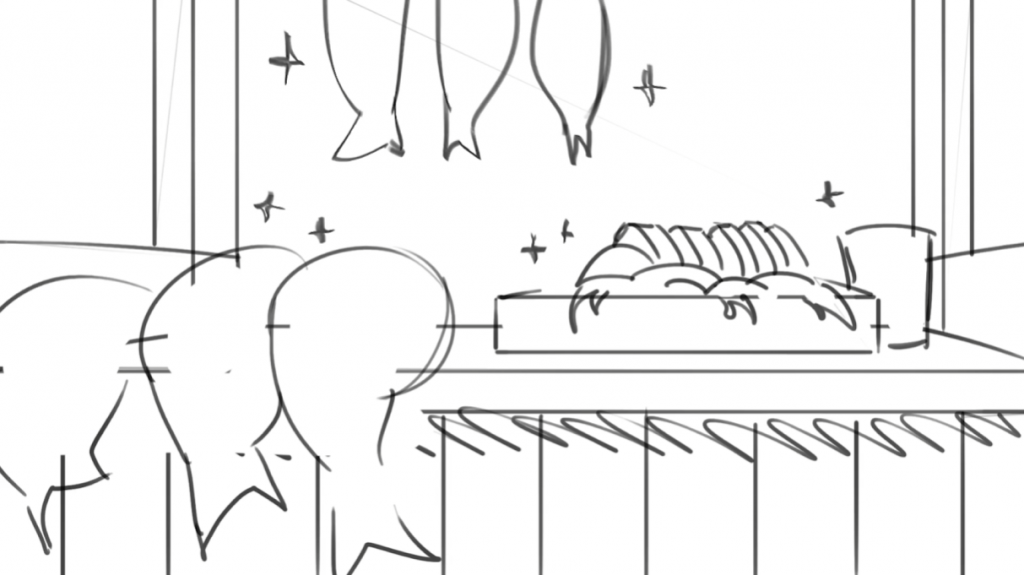
The room dealing with fishes;
The fishing spot;
After talking with John, some of the background will be modeled by CGI, I’ll start from the shot 2 background, and refine some storyboard.
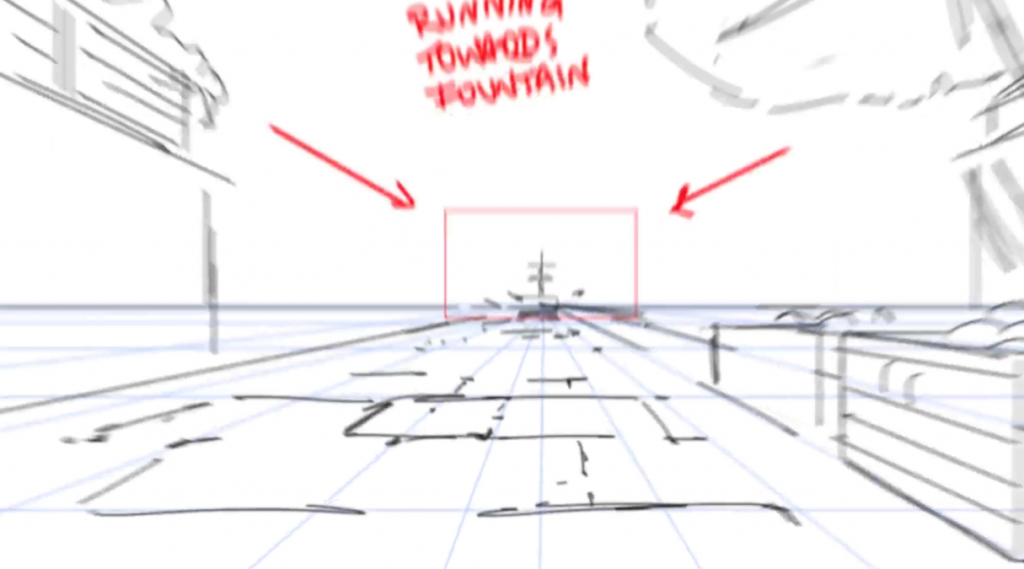
This perspective means that the vanishing point is right in the middle of the frame.
Two point
This perspective means there are two vanishing points at the same height(the horizon line) on the left and right side of the frame.
Three point
This perspective means there are three vanishing points, two at the same height(urually the horizon line) on the left and right side of the frame and one is at the top(looking up, the sky point) or the bottom(looking down, the ground point) of the frame.
As not learn much of how to draw an expression or a head, I try to find a general and easy method to help me determine the location of facial features.